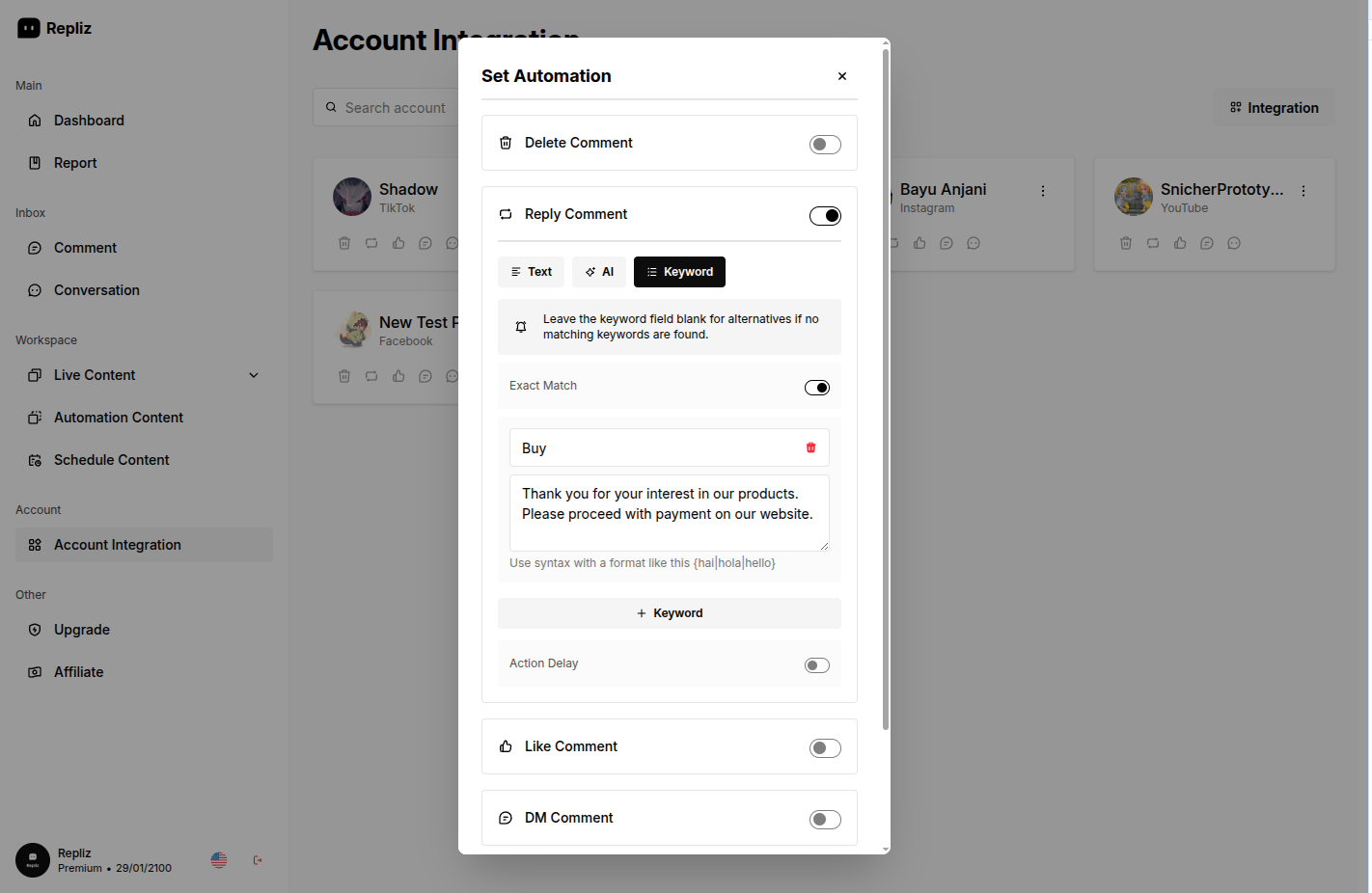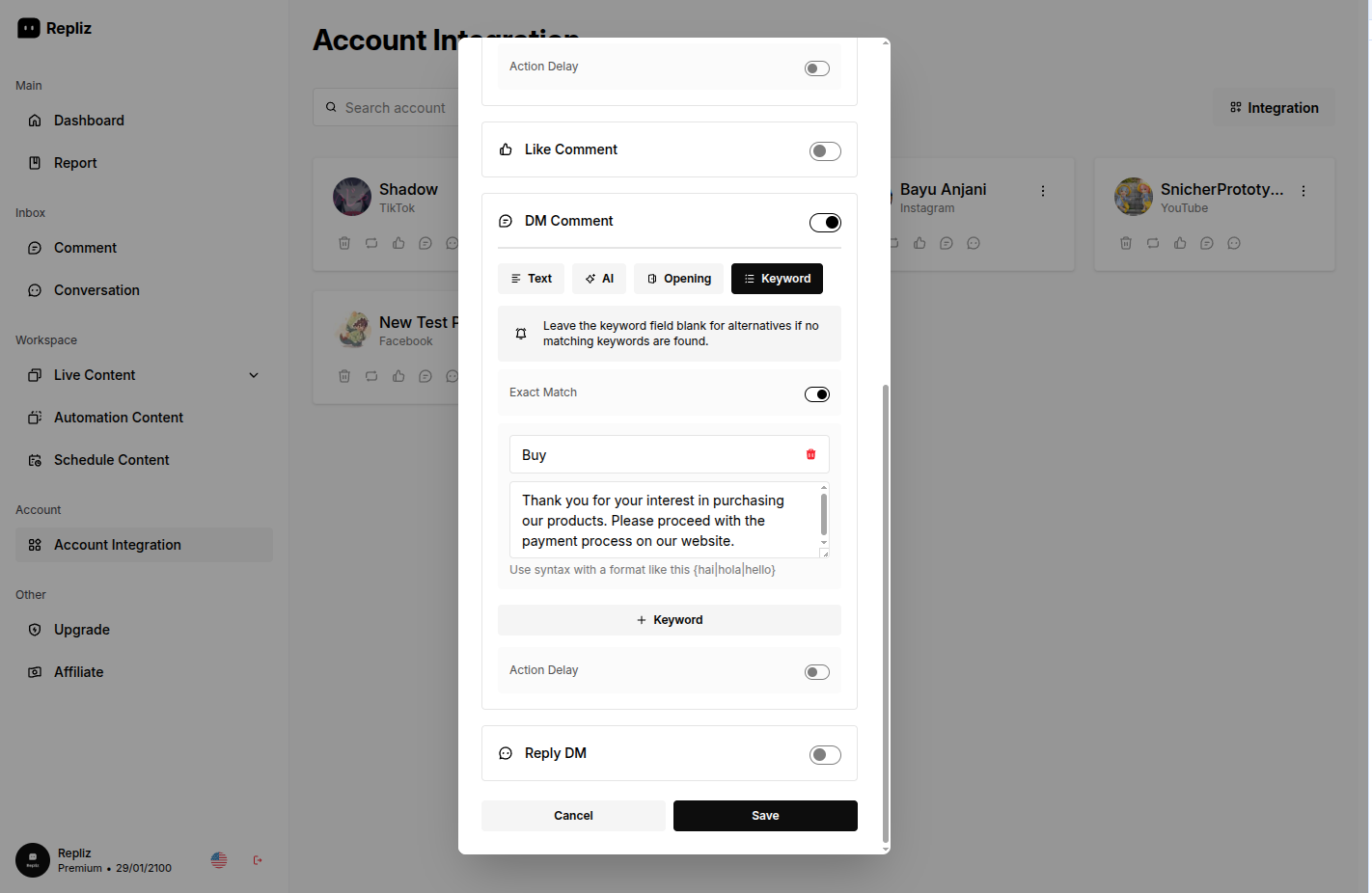
Appearance
Keyword Exact Match
Exact Match controls how precisely a message must match your keyword before an automation triggers.
Behavior
| State | Behavior |
|---|---|
| Enabled | The automation triggers only when the text matches the keyword exactly, with no extra words. |
| Disabled | The automation triggers whenever the keyword appears anywhere within the message. |
TIP
Keyword matching is not case-sensitive, so buy, Buy, and bUY are treated identically.
Example
For the keyword "Buy":
- Exact Match disabled → the message "I want to buy two of these, how much?" triggers the automation.
- Exact Match enabled → only a standalone "BUY" (or case variants) triggers it; the sentence above would not.
Exact Match disabled
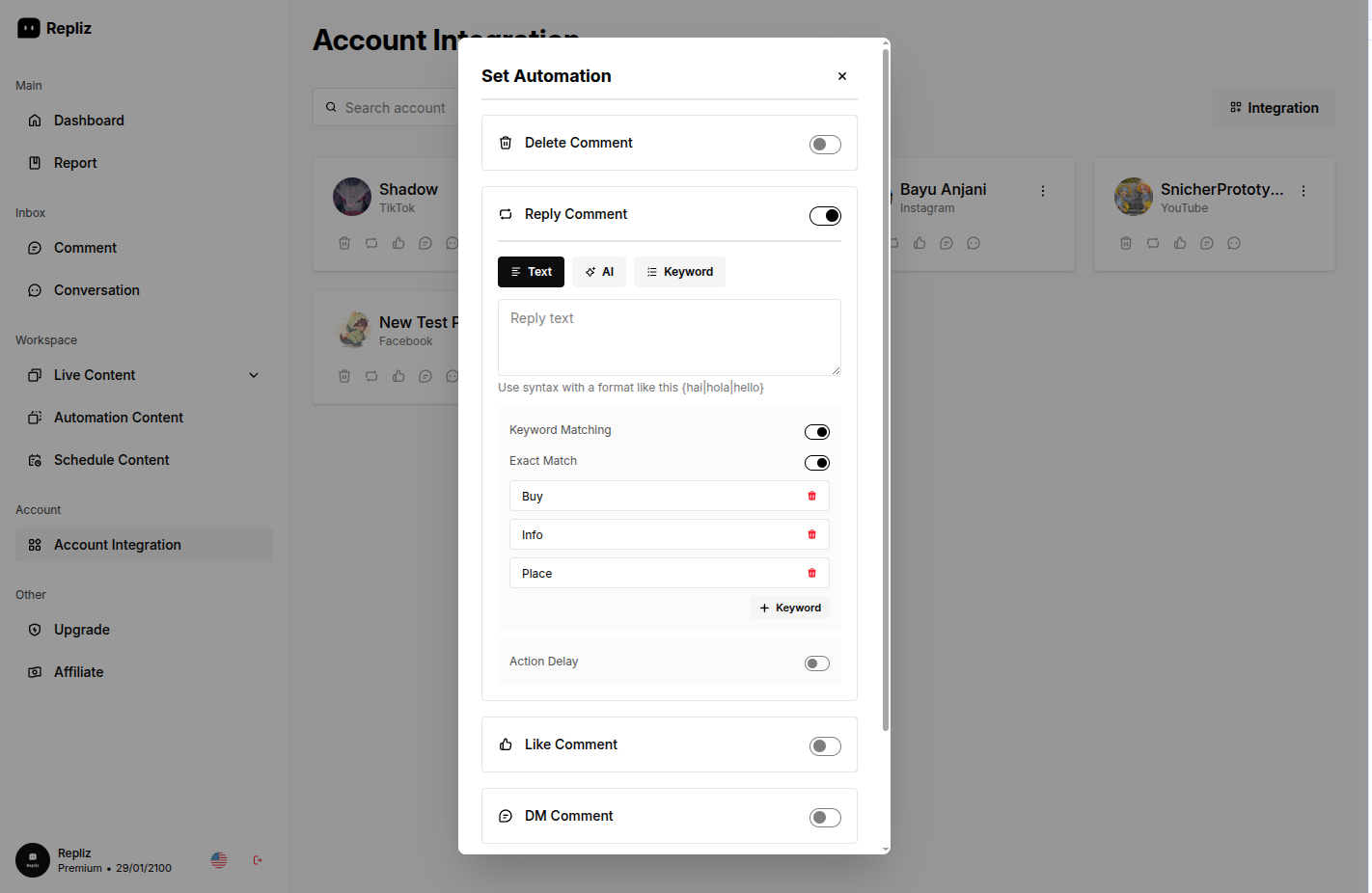
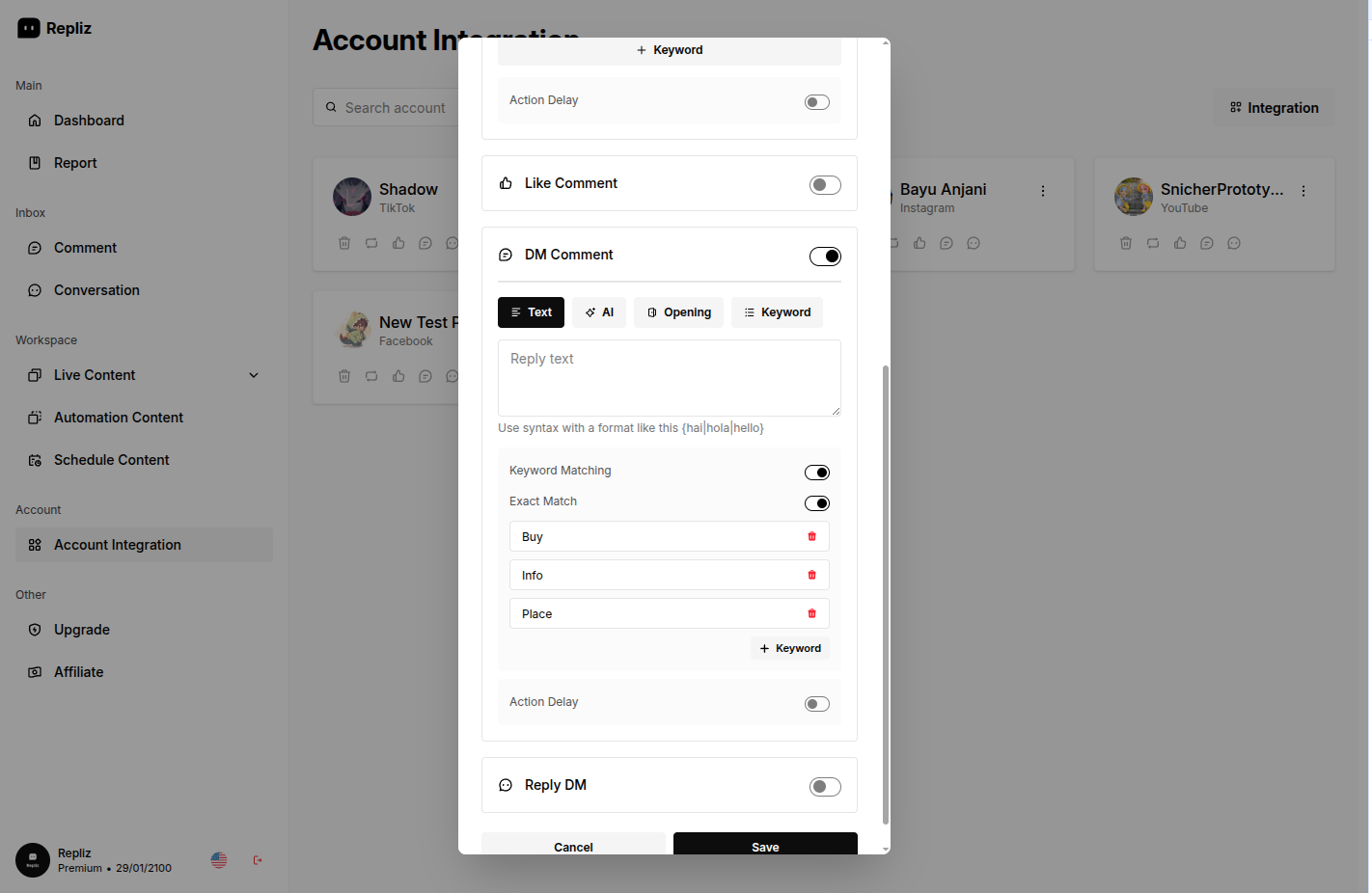
Exact Match enabled