English
English
Appearance
Connect a YouTube channel to Repliz to manage its comments and videos from your workspace.
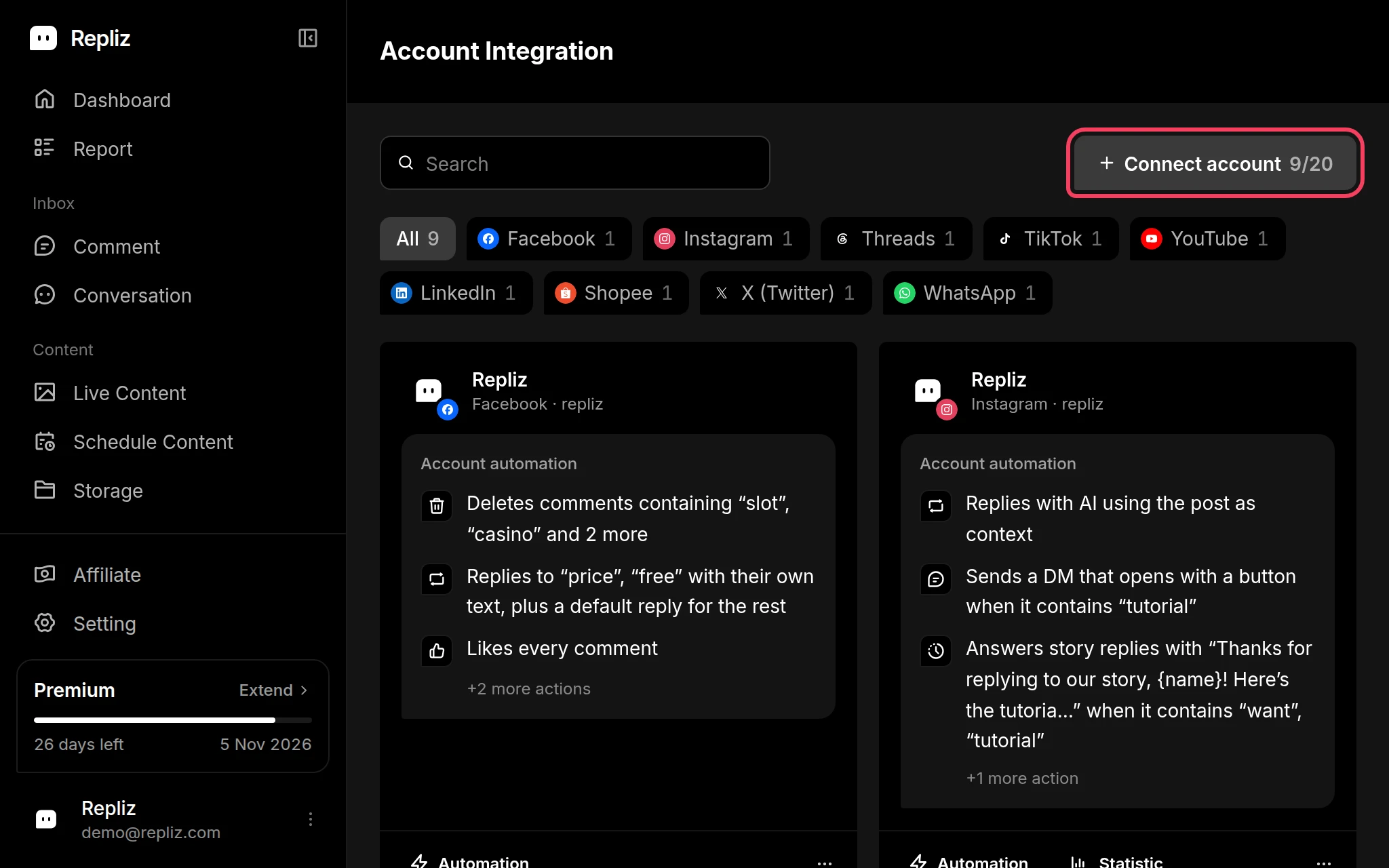
Open Account Integration in your Repliz dashboard and click Connect account.
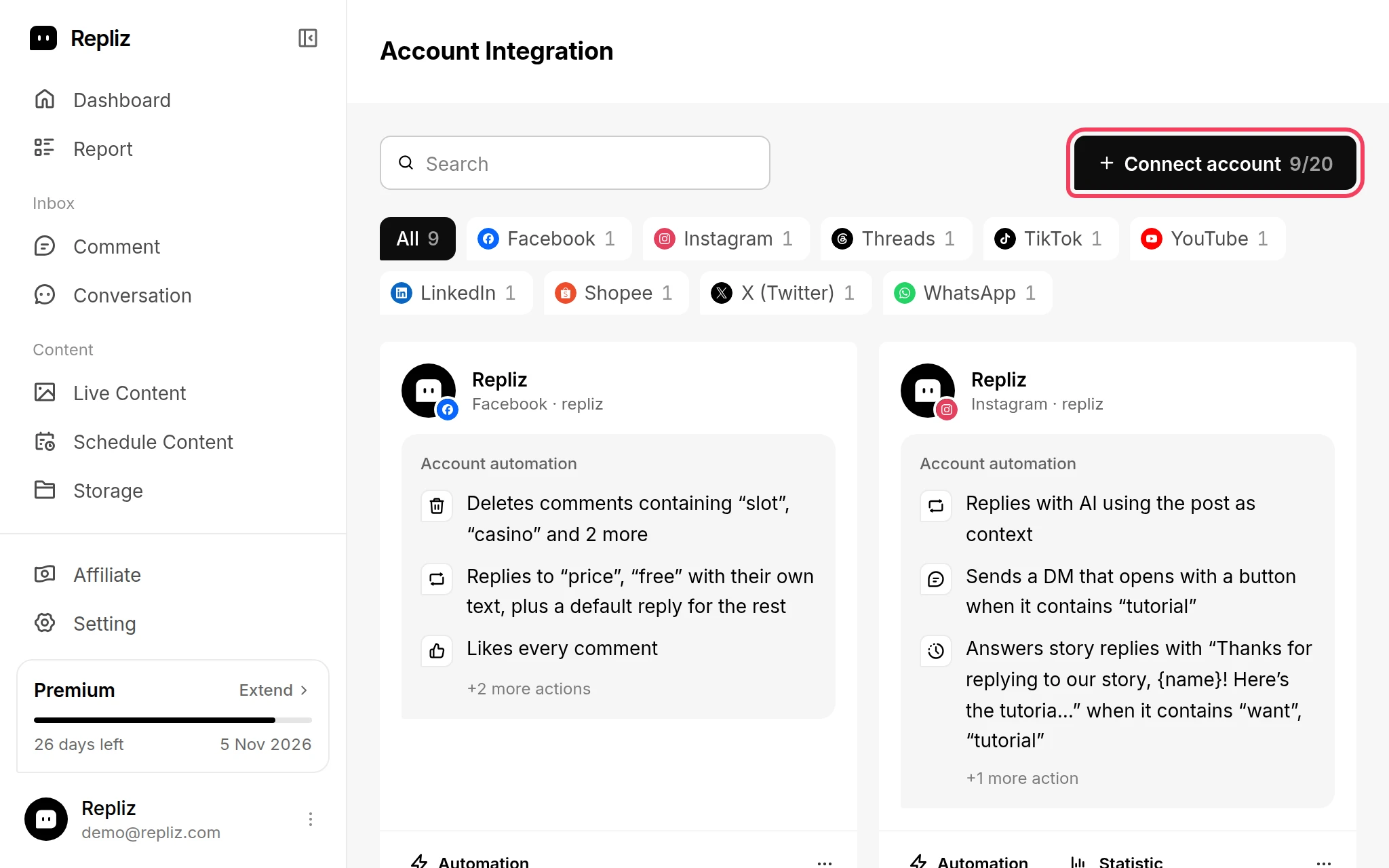
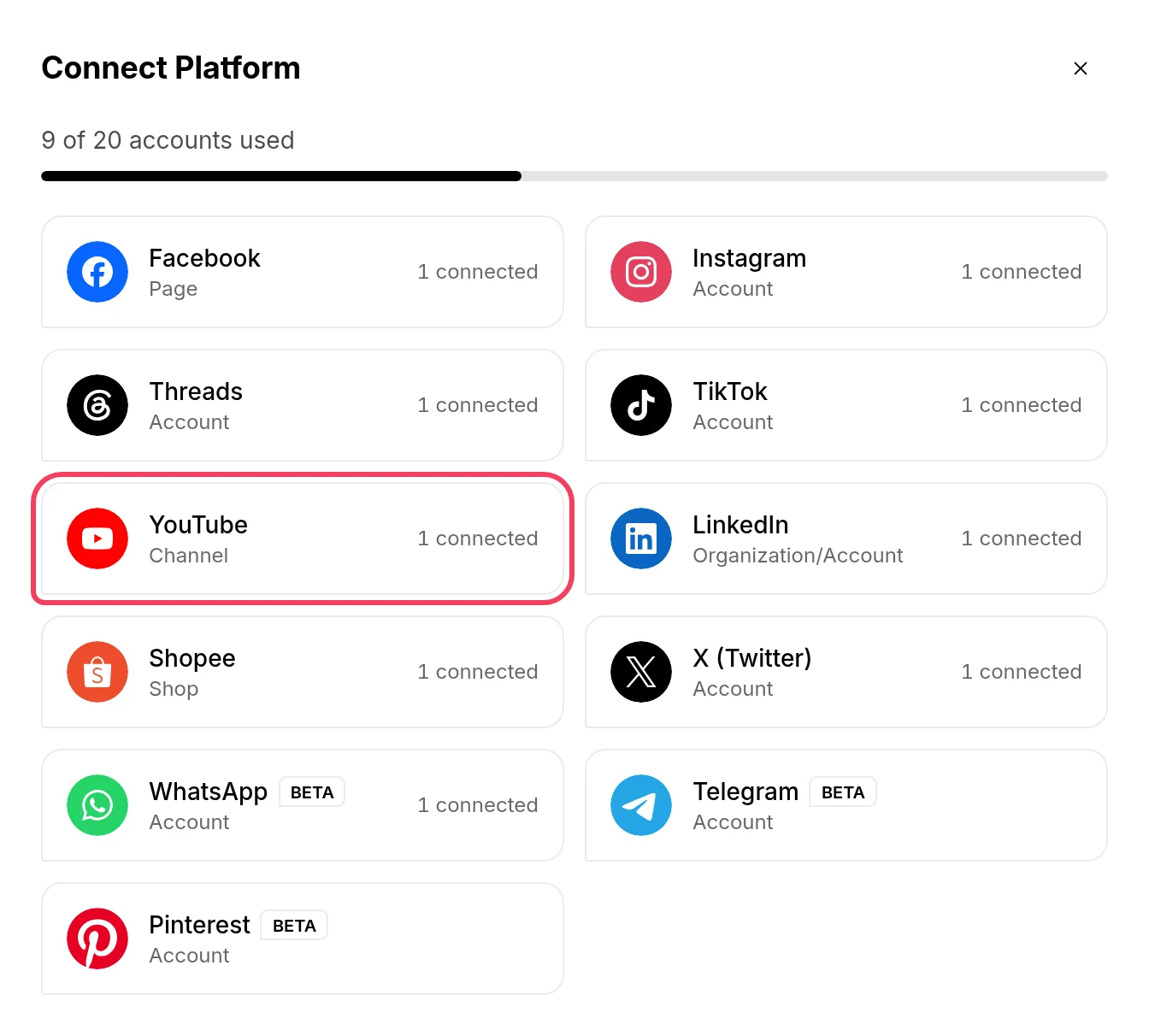
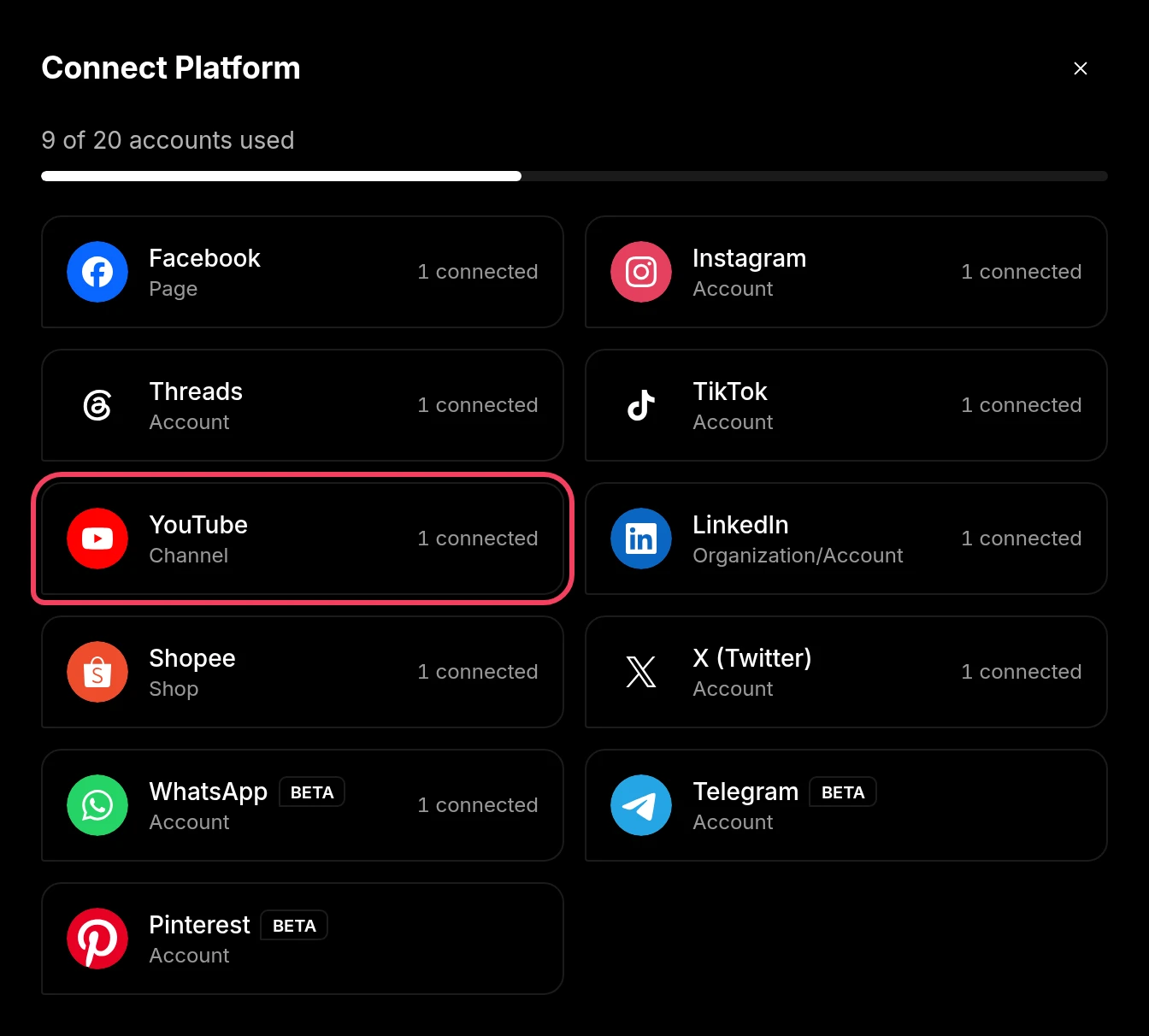
In the Connect Platform window, click YouTube (labeled Channel).
Google sign-in opens. Choose the Google account that manages the channel, then allow every permission Repliz requests.
You return to Repliz, which shows Select a YouTube Channel with the channels on that Google account. Tick the channels you want to connect. You can pick more than one, and each one uses one account slot.
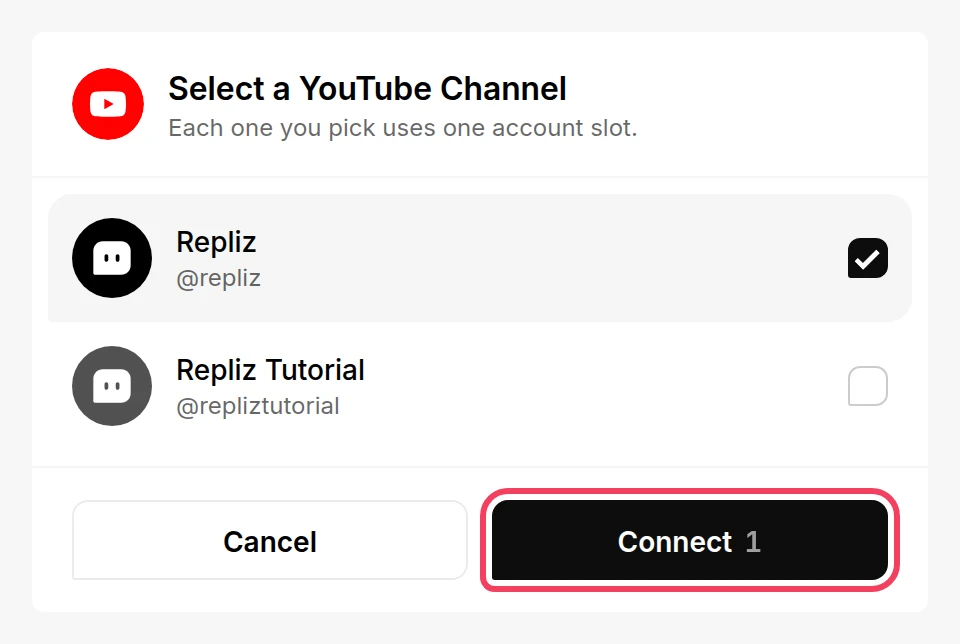
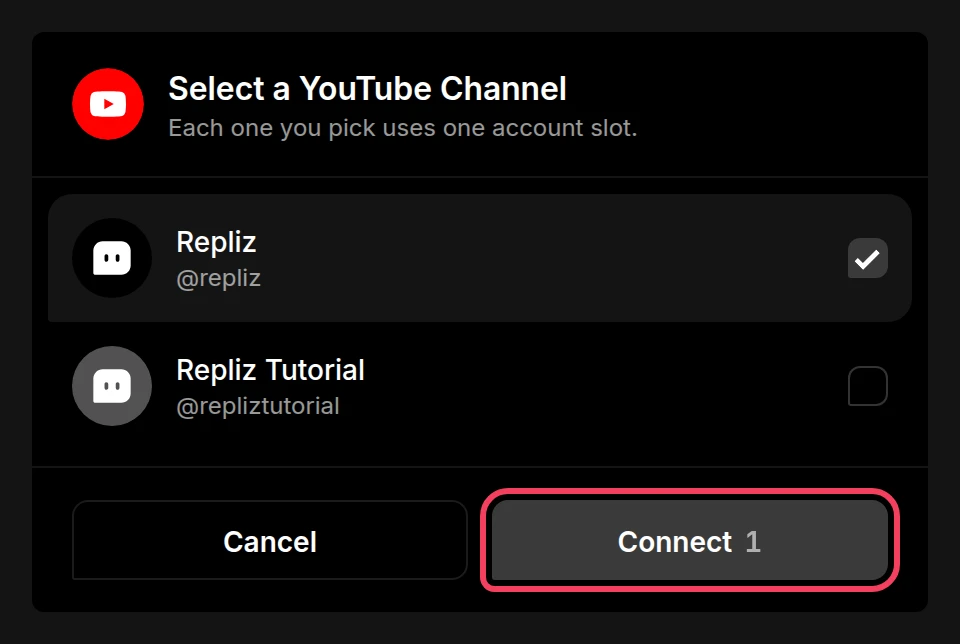
Click Connect.
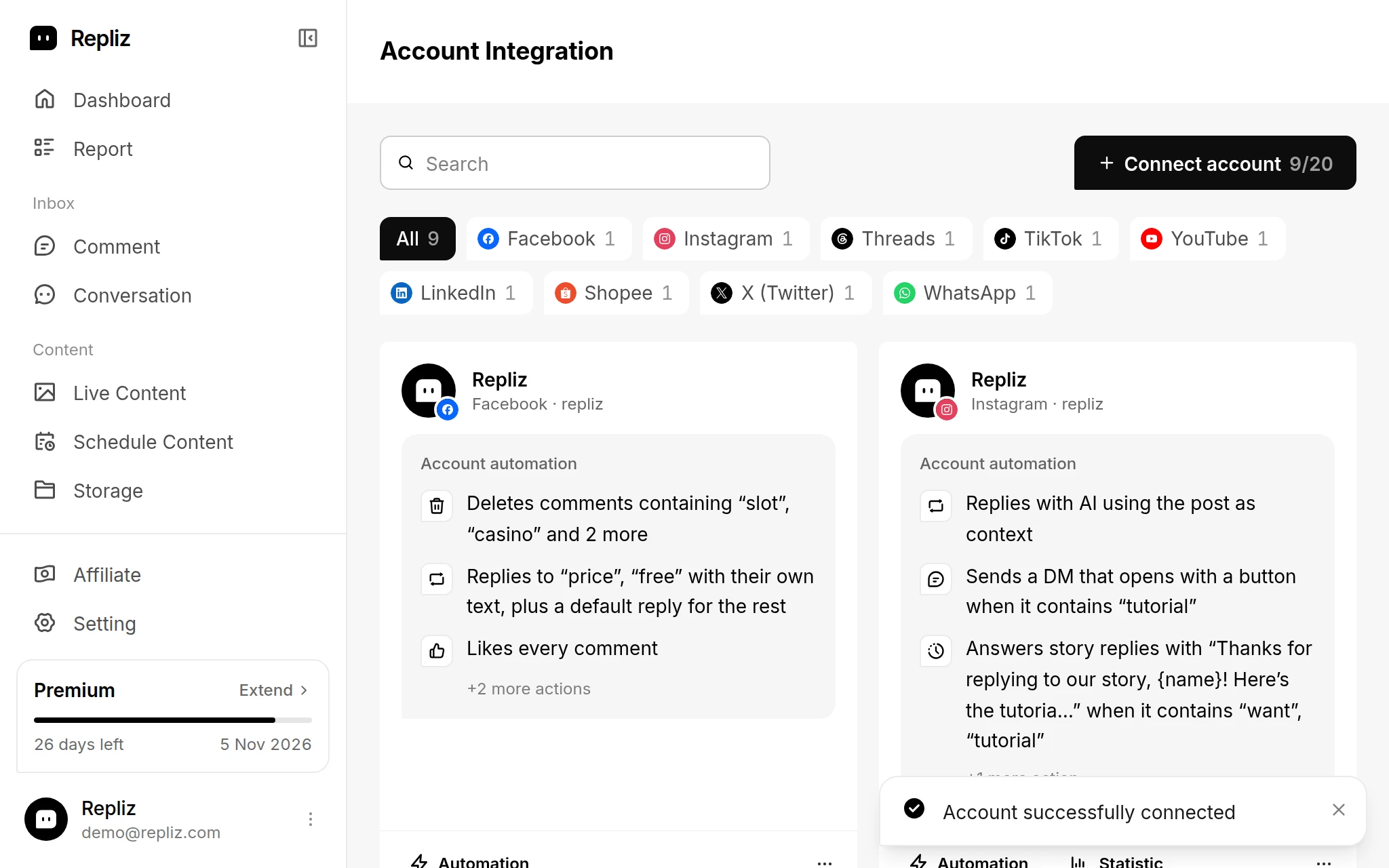
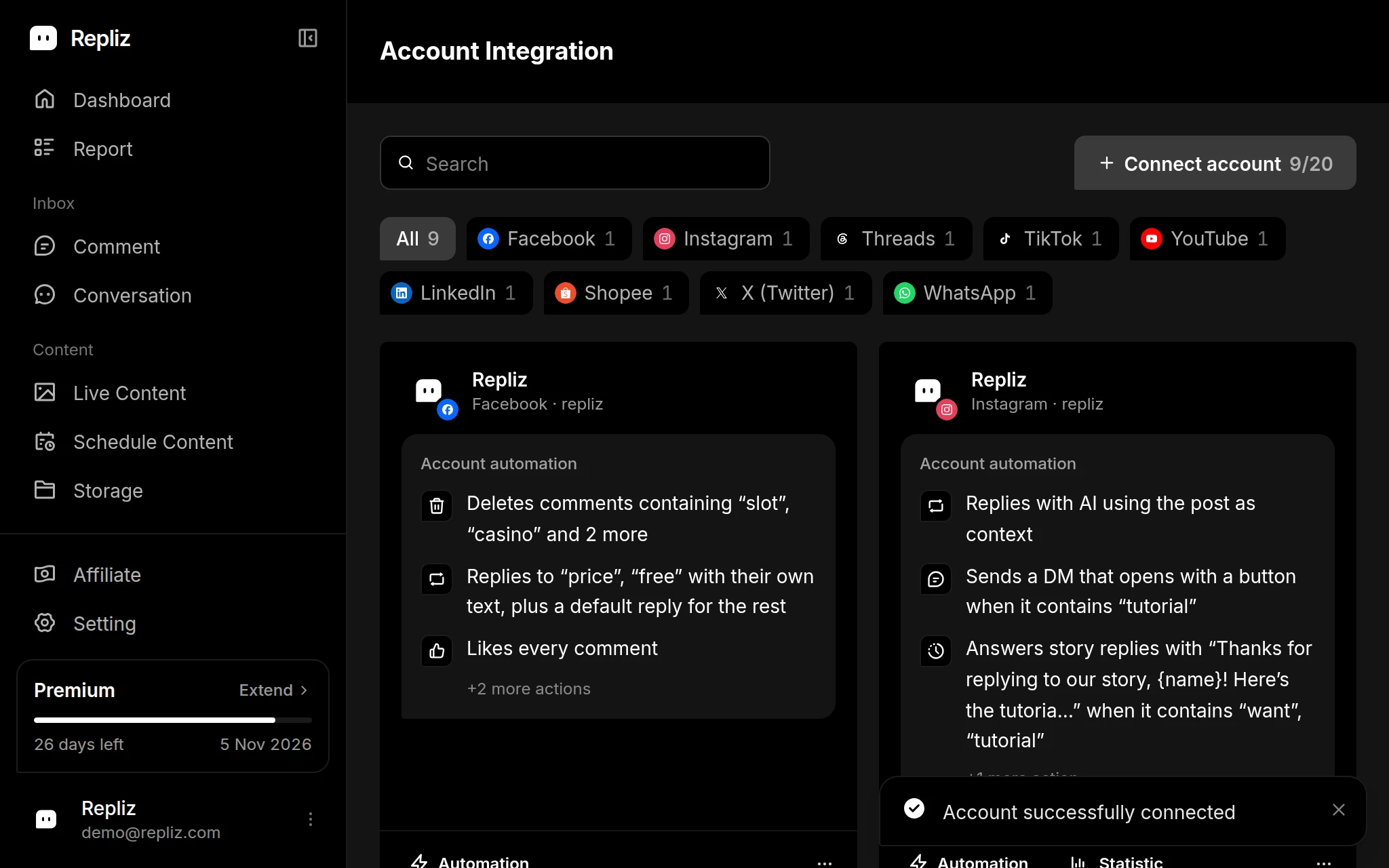
Repliz shows Account successfully connected and takes you back to Account Integration, where your channels now appear.
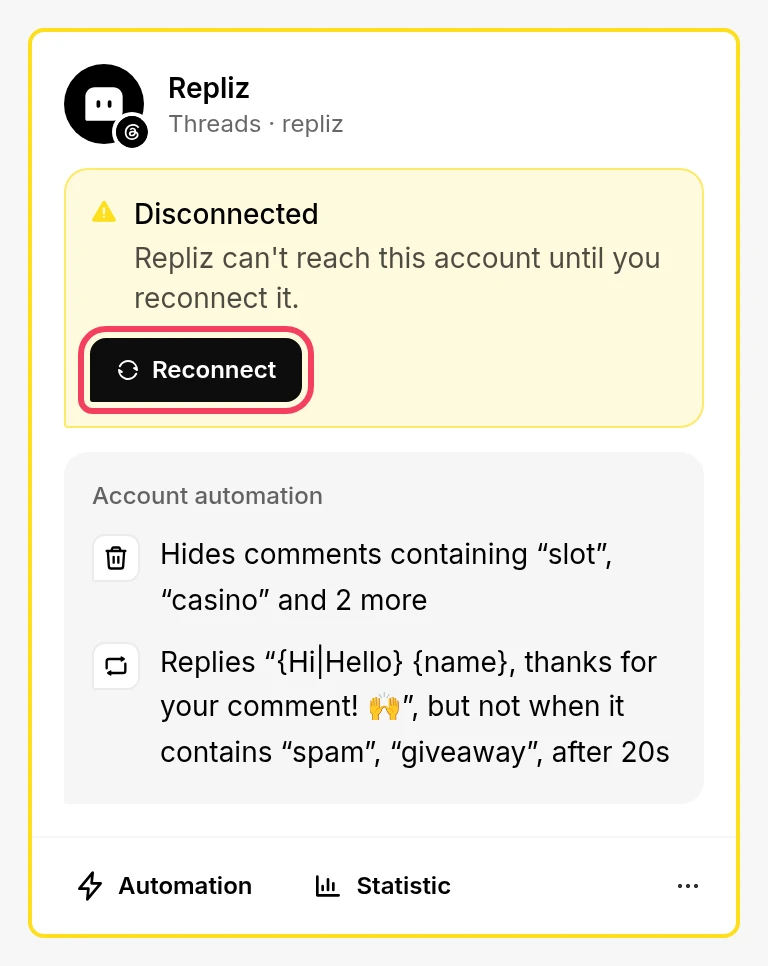
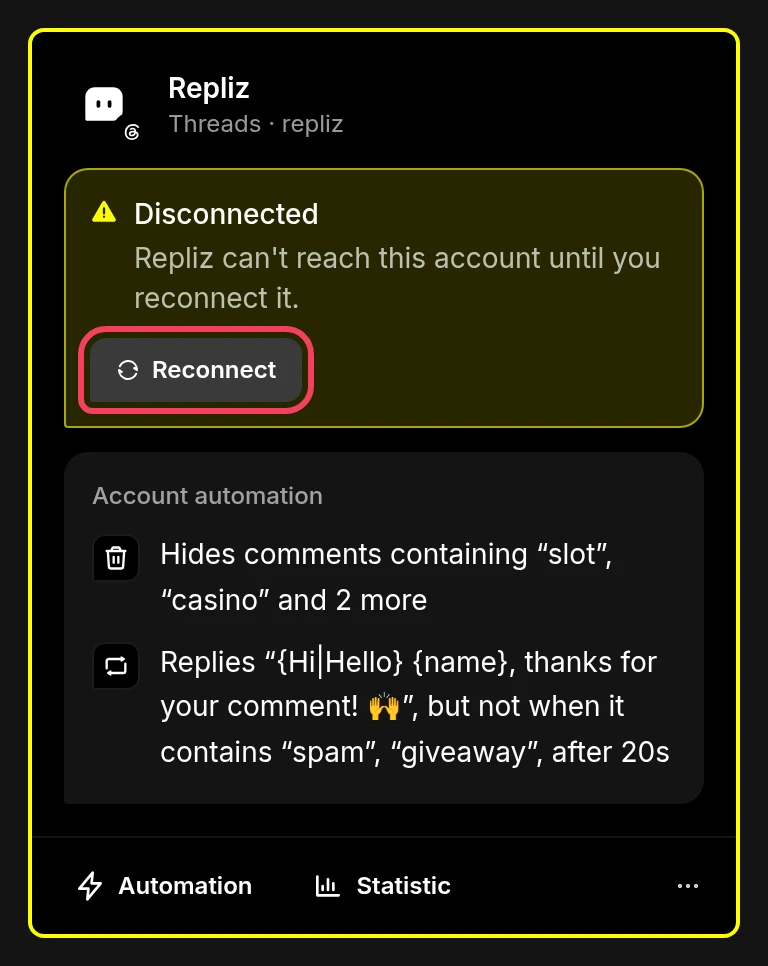
If Repliz loses access to the account, for example when its access expires or you remove Repliz's access on YouTube, its card in Account Integration gets a yellow outline and a Disconnected notice. To fix it:
Next, set up automation for the whole channel, or per video.