
Appearance
By Keyword
Reply to direct messages based on the keywords they contain.
Setup
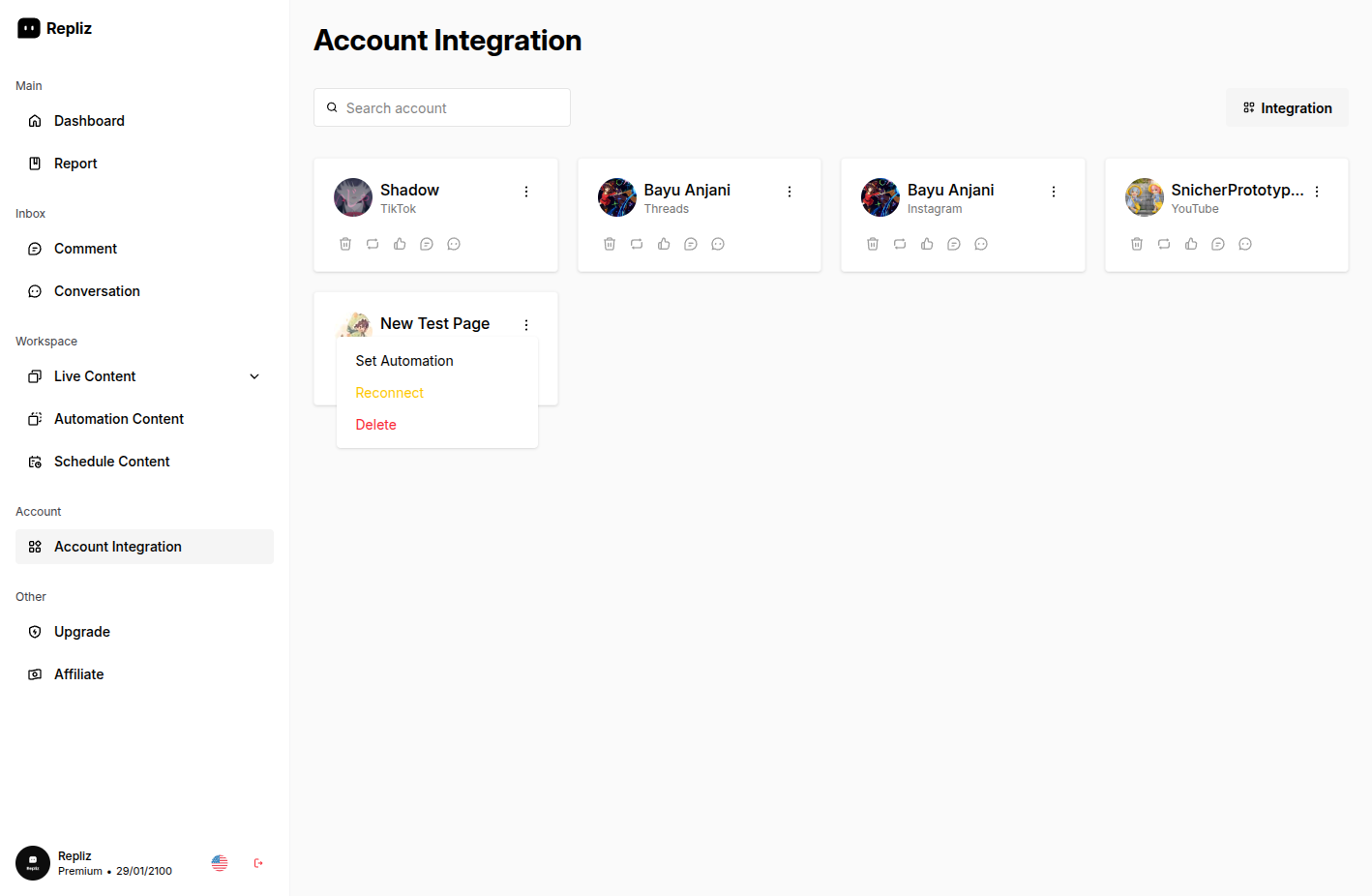
Open the Account Integration menu, click the three dots (⋮) next to your account, then choose Set Automation.
Enter your keywords paired with response messages. There's no limit on the number of keyword entries.
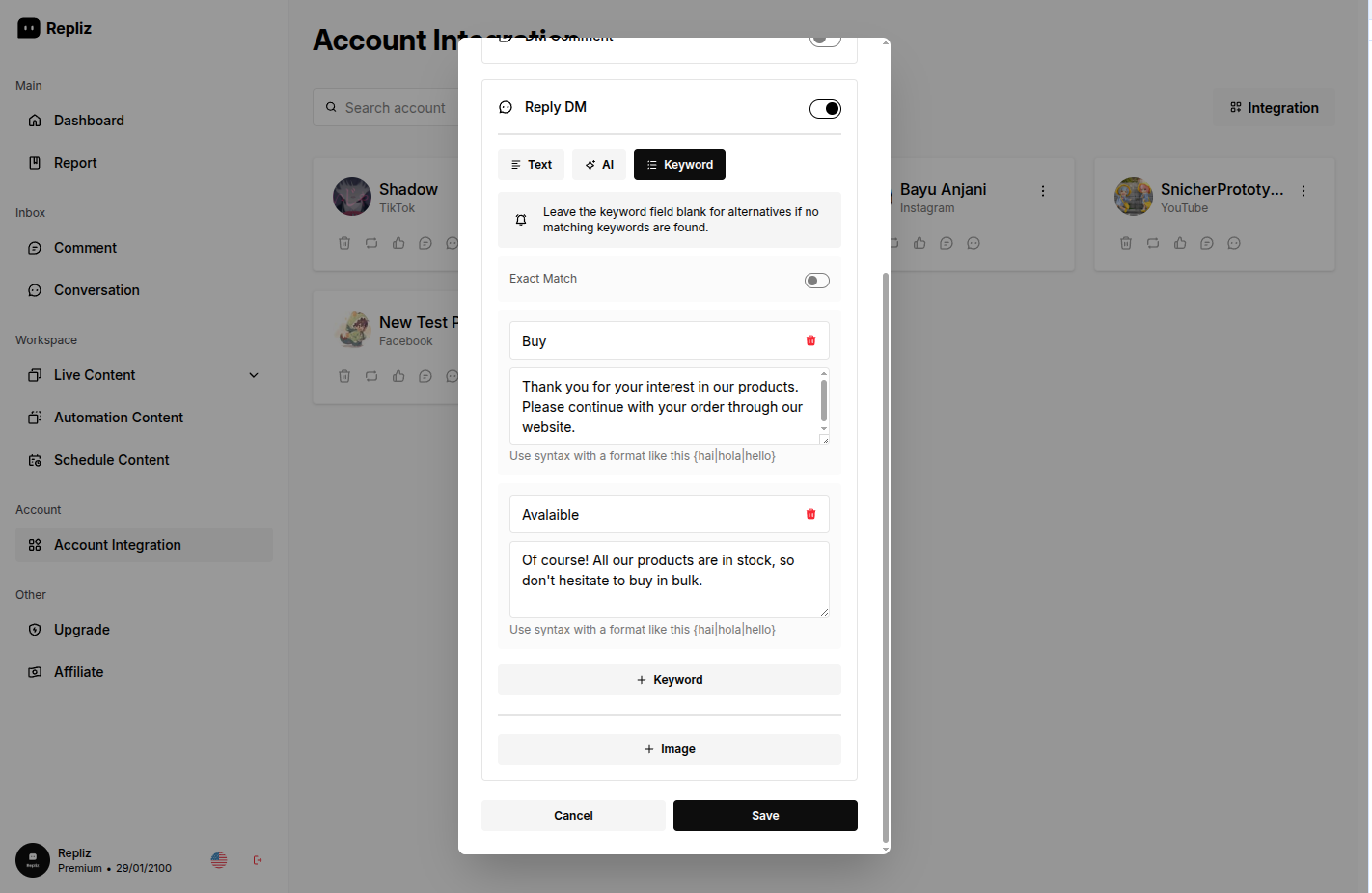
Click Save to activate the automation.
Default response
You can leave the keyword field blank and only fill in the response text to create a default response for when no keyword matches.
See also: Keyword Matching and Keyword Exact Match.