English
English
Appearance
A webhook sends events from Repliz to your own server as they happen: new comments, new DMs, people arriving from your ads or links, and the result of every scheduled post. Use it to save them in your database, forward them to another app, or start your own workflow.
POST request with a JSON body and answers with a 2xx status. Use HTTPS.Open Settings → Webhook. It's under Integrations in the settings menu.
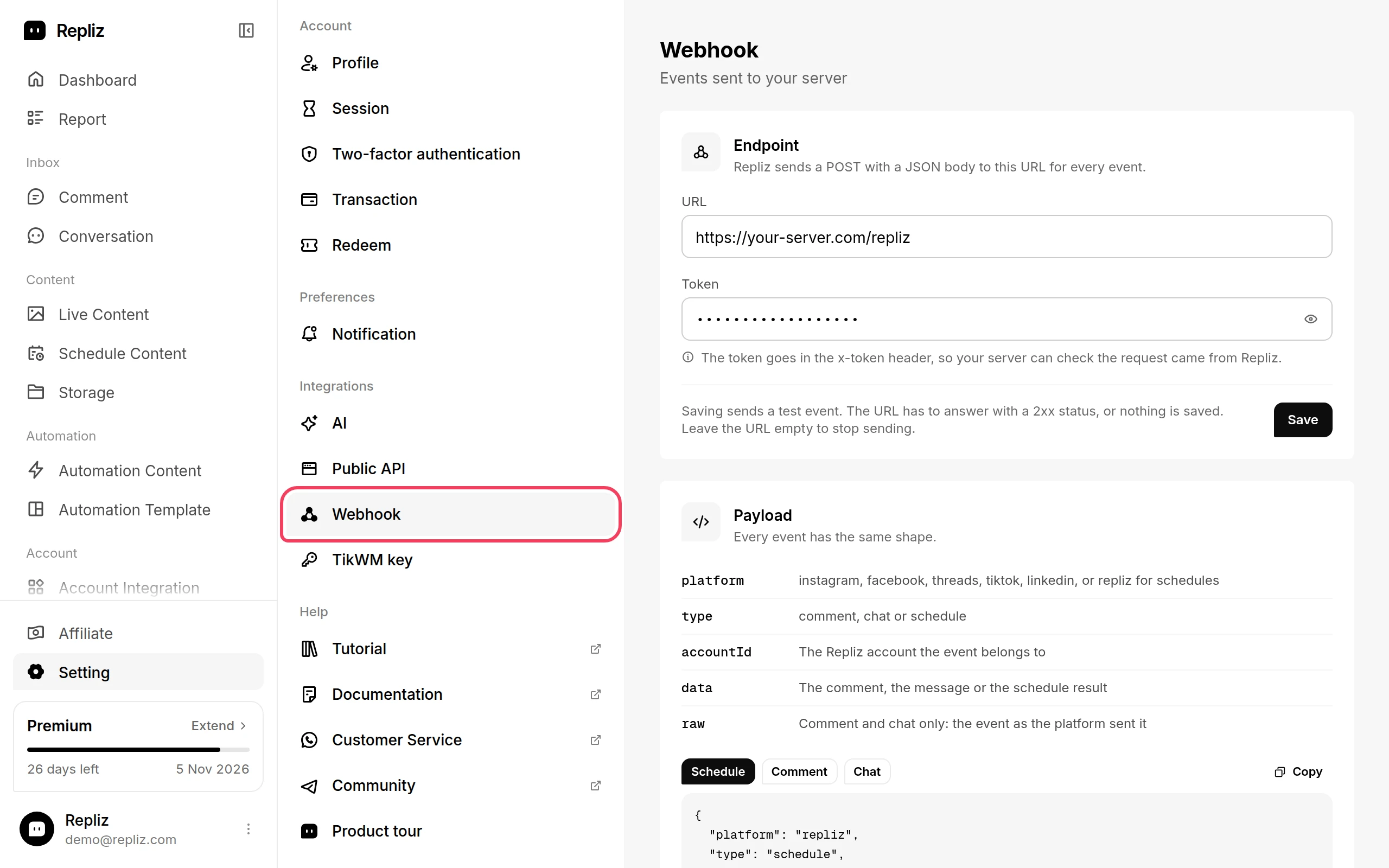
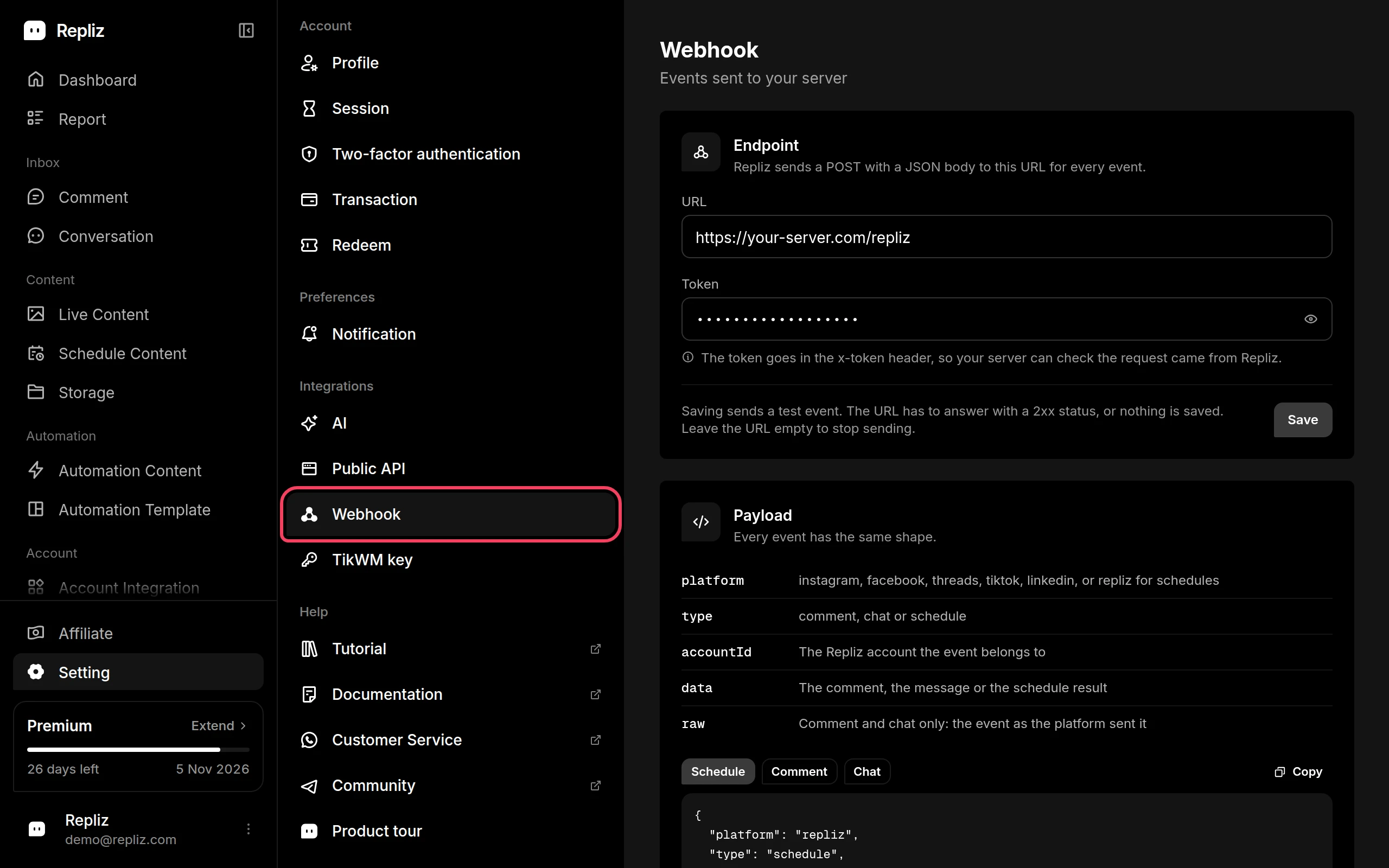
Under Endpoint, enter your URL and a Token.
Click Save.
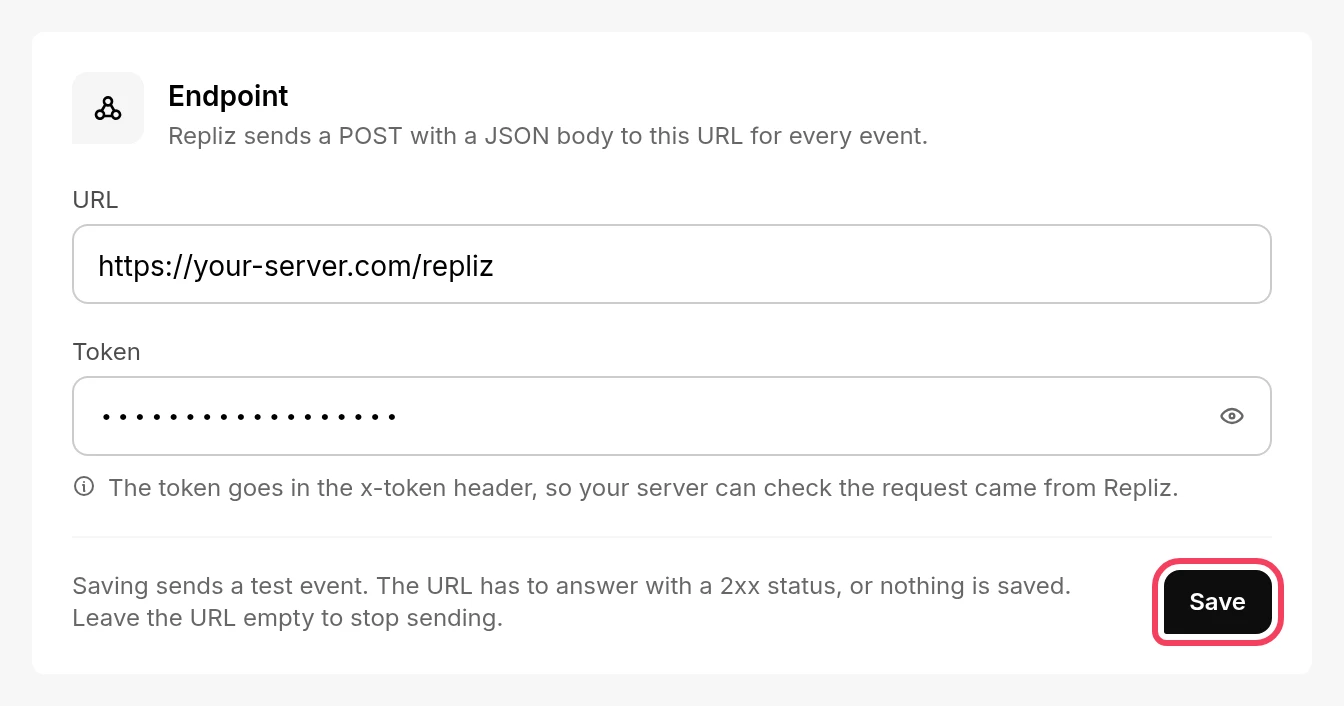
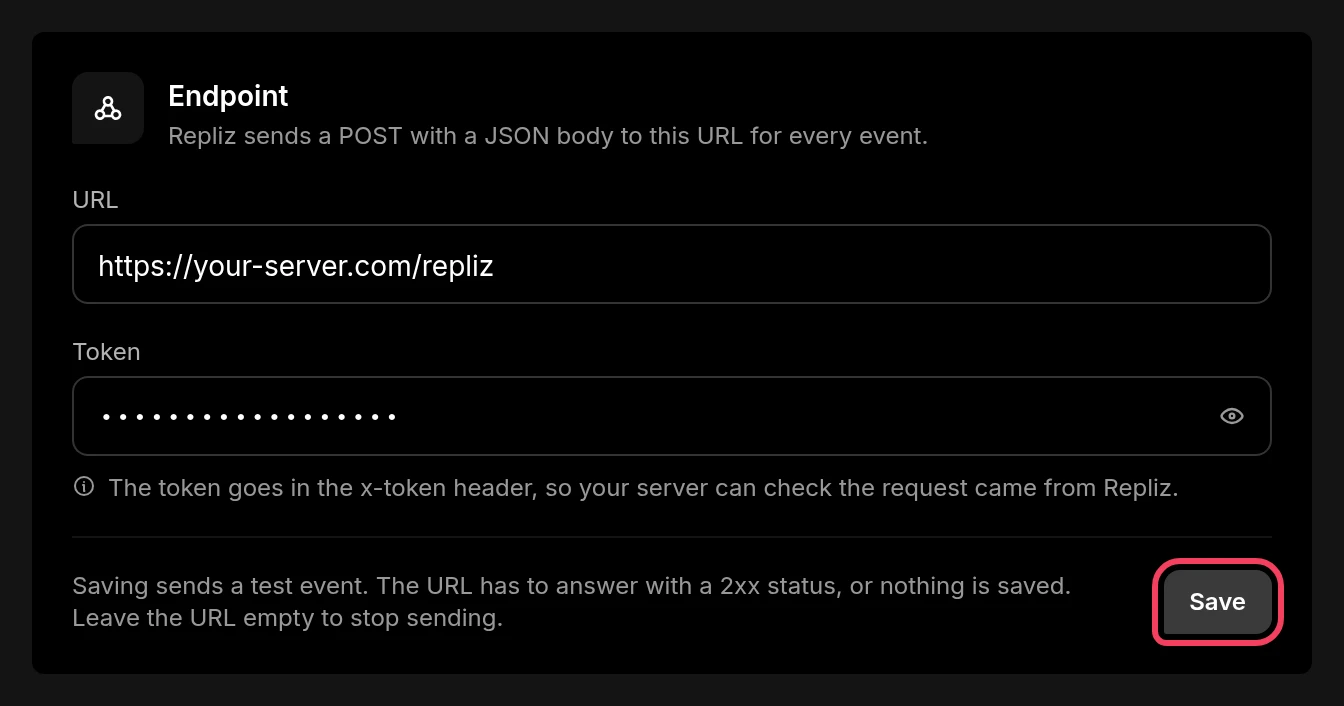
When you save, Repliz first sends this test event to the URL:
{
  "platform": "testing",
  "type": "testing",
  "accountId": "testing",
  "data": {}
}
If your server answers with a 2xx status, Repliz shows Webhook saved and starts sending events. If it doesn't, Repliz shows invalid webhook url and keeps the settings you had before.
To stop the webhook, clear the URL and click Save.
Every request carries your token in the x-token header. Compare it with your own copy and reject anything that doesn't match. Answer with a 2xx status as soon as you have the event, and do slow work afterwards.
import express from 'express'

const app = express()
app.use(express.json({ limit: '1mb' }))

app.post('/repliz', (req, res) => {
  if (req.get('x-token') !== process.env.REPLIZ_WEBHOOK_TOKEN) {
    return res.sendStatus(401)
  }

  const { platform, type, accountId, data } = req.body

  // The test event sent when you save the webhook
  if (type === 'testing') return res.sendStatus(200)

  res.sendStatus(200)

  if (type === 'comment') {
    console.log(`New ${platform} comment:`, data.comment.text)
  }
})

app.listen(3000)<?php
$token = $_SERVER['HTTP_X_TOKEN'] ?? '';
if (!hash_equals(getenv('REPLIZ_WEBHOOK_TOKEN'), $token)) {
http_response_code(401);
exit;
}
$event = json_decode(file_get_contents('php://input'), true);
http_response_code(200);
if ($event['type'] === 'comment') {
error_log('New comment: ' . $event['data']['comment']['text']);
}Using n8n or another automation tool
Point the webhook at a Webhook node (method POST) in n8n, or at the webhook URL of any automation tool. In n8n, set its authentication to Header Auth with the header name x-token and your token as the value.
Every event is a JSON object with the same top-level fields:
| Field | What it holds |
|---|---|
platform | facebook, instagram, threads, tiktok, youtube, linkedin, or telegram; repliz for schedules |
type | comment, chat, referral, or schedule |
accountId | The Repliz account the event belongs to, the same ID as Copy ID in Account Integration |
data | The event itself. Its shape depends on type, see below |
raw | The event exactly as the platform sent it to Repliz. Not included for schedule |
type | Sent when | Platforms |
|---|---|---|
comment | Someone comments on a post of a connected account | Facebook, Instagram, Threads, TikTok, YouTube, LinkedIn |
chat | A DM arrives. On Facebook, Instagram, and Telegram, also when your account sends one | Facebook, Instagram, TikTok, Telegram |
referral | Someone starts a conversation from your ad or from a link with a ref | Facebook, Instagram |
schedule | A scheduled post is published, or fails | All platforms you schedule to |
Platforms not listed for an event don't send webhook events.
YouTube doesn't notify apps about new comments, so Repliz checks each channel every 1 to 10 minutes and sends the comment event after that check. Only top-level comments are sent, not replies inside a comment thread. For YouTube, raw is the comment as Repliz read it: accountId, contentId (the video ID), and comment.
comment data is the comment as it appears in Comment: the post in content, and the comment and its author in comment.
{
  "platform": "instagram",
  "type": "comment",
  "accountId": "6650a1f2c3d4e5f6a7b8c912",
  "data": {
    "_id": "6650a1f2c3d4e5f6a7b8ce01",
    "status": "pending",
    "content": {
      "id": "17962321815082188",
      "type": "image",
      "description": "Reply to every comment automatically 🤖",
      "owner": { "id": "17841449699366337", "name": "Repliz", "picture": "https://..." },
      "medias": [{ "type": "image", "url": "https://..." }],
      "url": "https://www.instagram.com/p/...",
      "createdAt": "2026-10-10T02:11:28.000Z"
    },
    "comment": {
      "id": "18098524577017812",
      "type": "text",
      "text": "How do I connect my Instagram account?",
      "owner": { "id": "6803453729715519", "name": "repliz.community", "picture": "" },
      "medias": [],
      "hasReplies": false,
      "replies": [],
      "createdAt": "2026-10-10T12:51:00.000Z"
    },
    "accountId": "6650a1f2c3d4e5f6a7b8c912",
    "createdAt": "2026-10-10T12:51:34.189Z",
    "updatedAt": "2026-10-10T12:51:34.189Z"
  },
  "raw": {}
}
On Facebook, Instagram, Threads, and TikTok, comments written by your own account don't send an event. To reply from your server, pass data._id as the commentId of Reply Comment.
chat data.chat is the conversation as it appears in Conversation, and data.message is the new message. message.type is text, image, video, audio, document, embed, or sticker.
{
  "platform": "facebook",
  "type": "chat",
  "accountId": "6650a1f2c3d4e5f6a7b8c911",
  "data": {
    "chat": {
      "_id": "6650a1f2c3d4e5f6a7b8cf01",
      "accountId": "6650a1f2c3d4e5f6a7b8c911",
      "senderId": "6793729447315239",
      "senderName": "Repliz Community",
      "senderPicture": "https://...",
      "unreadCount": 1,
      "updatedAt": "2026-10-10T07:34:47.510Z"
    },
    "message": {
      "_id": "6650a1f2c3d4e5f6a7b8cf02",
      "chatId": "6650a1f2c3d4e5f6a7b8cf01",
      "messageId": "m_CPIZNYLSwNbbFWYITAbK96Dll",
      "senderId": "6793729447315239",
      "isFromMe": false,
      "type": "text",
      "text": "Hi, how much is the Premium plan?",
      "status": "sent",
      "createdAt": "2026-10-10T07:34:47.510Z"
    }
  },
  "raw": {}
}
On Facebook and Instagram you also get an event for every message your account sends, including the ones Reply DM sends. For those, data.message.isFromMe is true, so check it before you answer, or your server may end up replying to itself.
On Telegram, only private chats send events. Messages your account sends from the Telegram app send one too, with isFromMe set to true, but messages Repliz sends, from Reply DM or Conversation, don't. When someone edits a message, the event is sent again with the same messageId and the new text.
referral Sent when someone opens a conversation with your Facebook Page or Instagram account from a click-to-message ad, or from an ig.me / m.me link with a ref parameter. data.referral is passed on as the platform sends it: source says where the person came from, for example ADS, and ref or ad_id tell you which link or ad it was.
{
  "platform": "instagram",
  "type": "referral",
  "accountId": "6650a1f2c3d4e5f6a7b8c912",
  "data": {
    "recipientId": "17841449699366337",
    "senderId": "6793729447315239",
    "timestamp": 1791639361430,
    "referral": {
      "source": "ADS",
      "type": "OPEN_THREAD",
      "ad_id": "120211234567890123",
      "ref": "promo"
    }
  },
  "raw": {}
}
If the person also sends a message, that message arrives as a separate chat event.
schedule Sent once a scheduled post has been published or has failed. data.id is the schedule's ID, which you can look up with Get One Schedule.
{
  "platform": "repliz",
  "type": "schedule",
  "accountId": "6650a1f2c3d4e5f6a7b8c913",
  "data": {
    "id": "6650a1f2c3d4e5f6a7b8cf11",
    "status": "error",
    "errorMessage": "invalid access token"
  }
}
status is success or error. errorMessage is only there when the post failed.
Every event Repliz sends to your URL is listed under Delivery history on the Webhook page, marked Delivered or Failed. A failed event shows why, for example Request failed with status code 500. Click an event to see the exact payload, and Copy JSON to copy it.
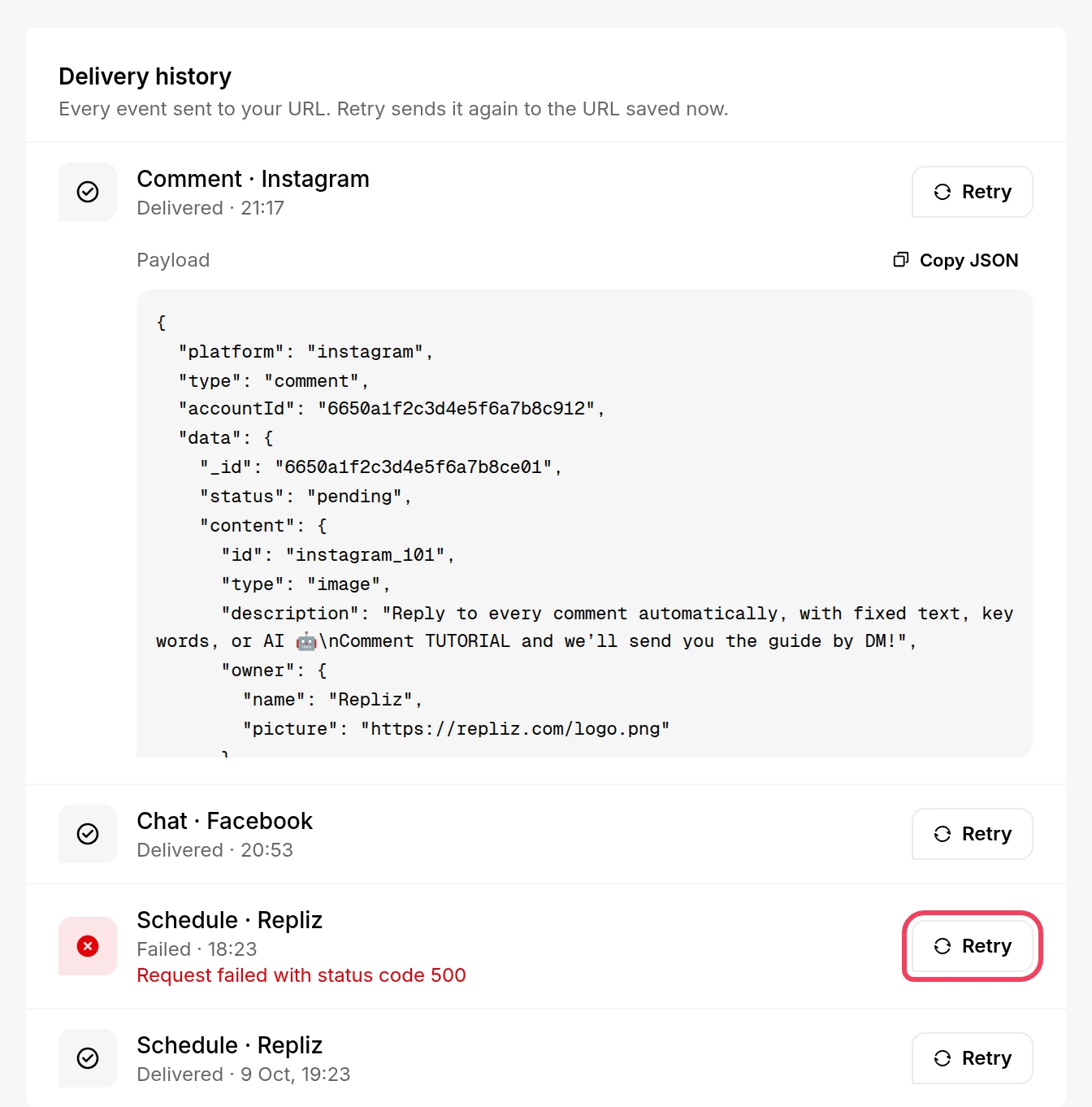
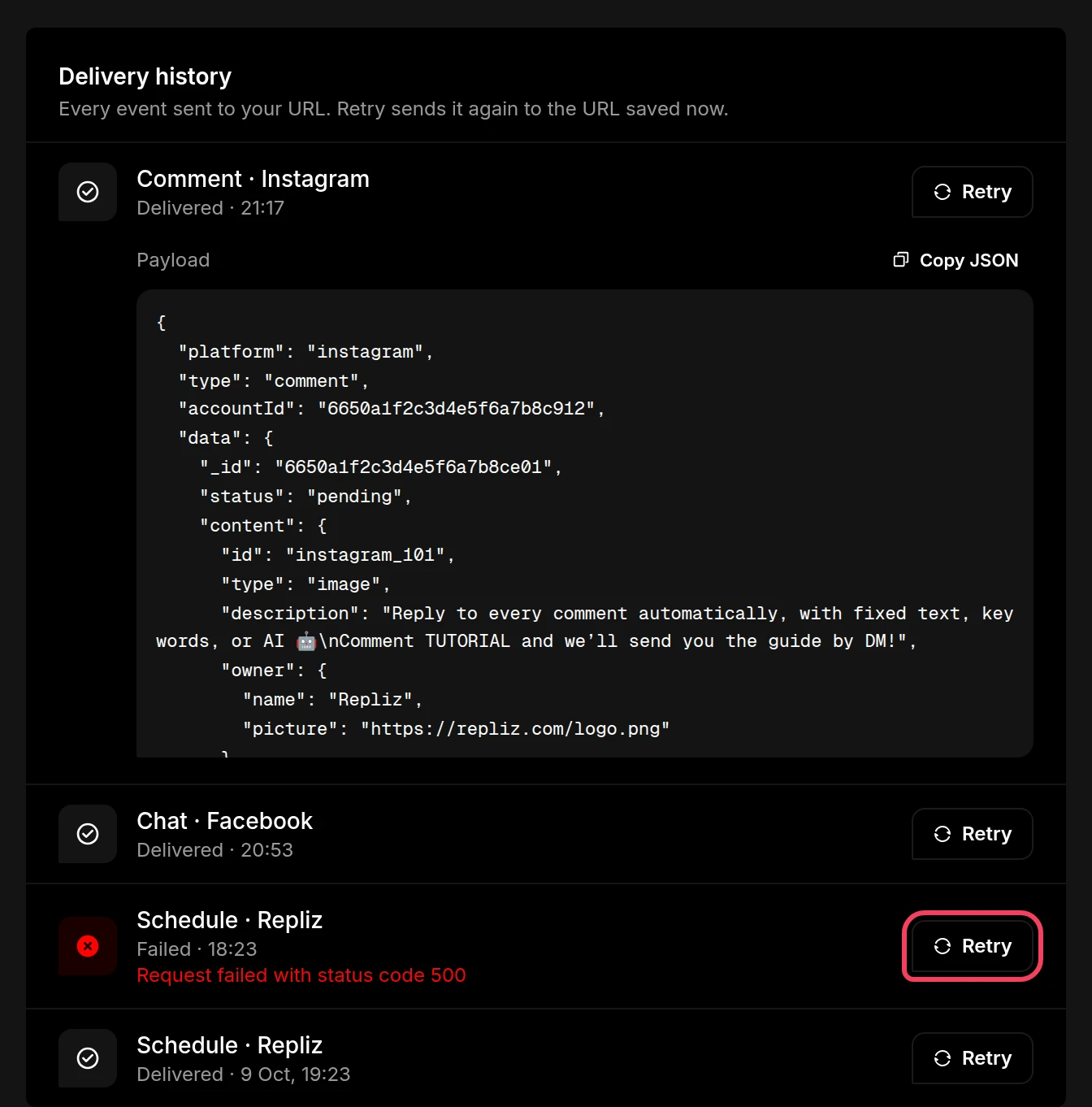
Repliz sends each event once and doesn't retry by itself. After you fix your server, click Retry on a failed event to send it again. Retry uses the URL and token saved now, so it also works after you change your URL.
data, such as data._id or data.message.messageId, to spot an event you already handled, for example after a Retry.accountId to tell them apart.