Skip to content

Reply Story

Reply Story sends a DM to people who reply to your Instagram Story. Use it to hand out a promo code or link to everyone who reacts to a Story.

Supported platforms

PlatformPer account (all stories)Per story
Instagram

When a story has its own automation, Repliz uses it instead of the account's Reply Story for replies to that story.

Modes

Reply Story has the same modes as DM Comment:

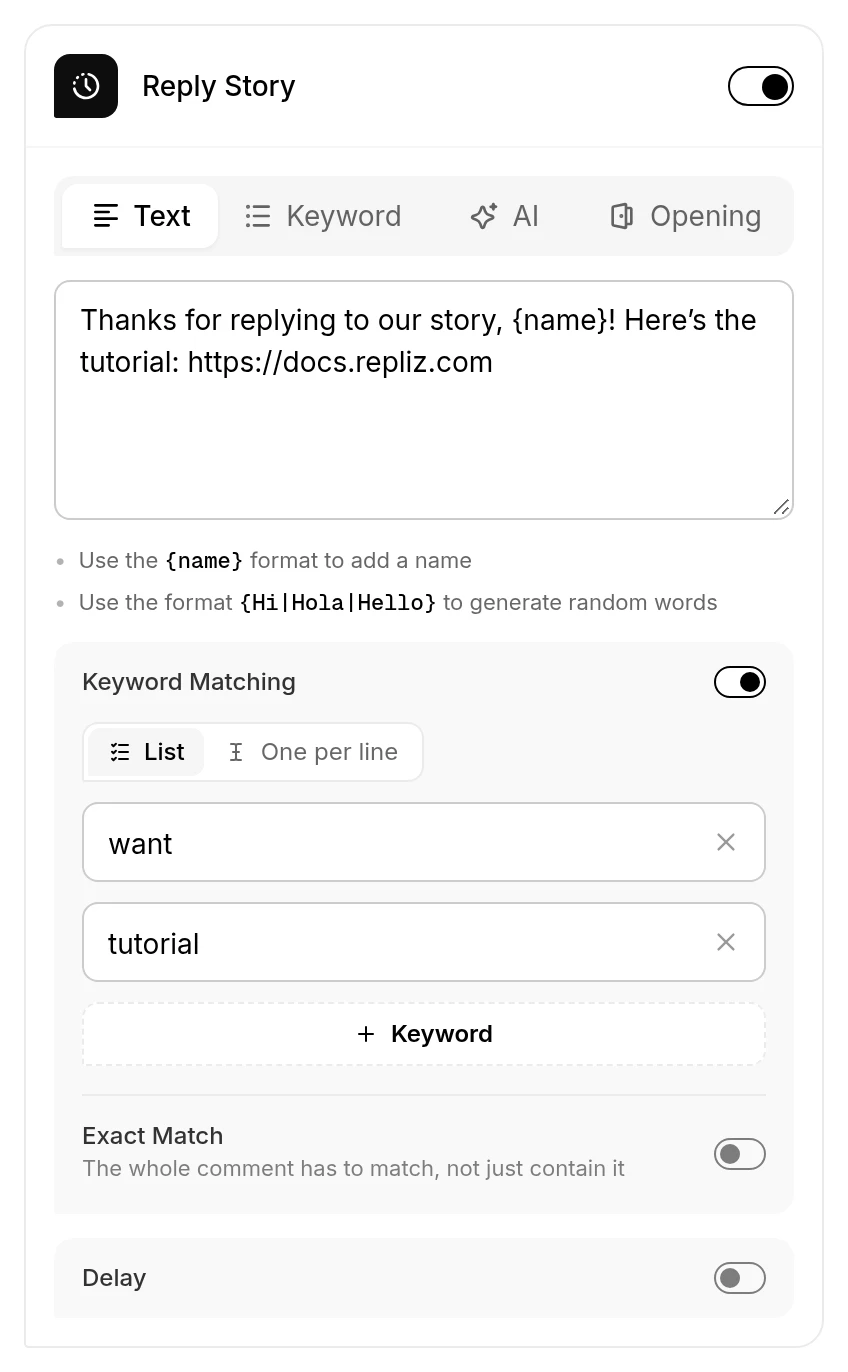
  • Text: every reply to your Story gets the same message.
  • Keyword: the message depends on the keyword in the Story reply. Leave a keyword empty to set a default message.
  • AI: the AI writes the message, following your prompt. See Using AI.
  • Opening: a message with a button, followed by your links after the person taps it. See how Opening works, including Prevent Before Follow.

Options

  • Keyword Matching (Text, AI, and Opening modes): respond only when the Story reply contains one of your keywords, for example want or promo.
  • Delay: wait 10 to 60 seconds before sending.

Set it up

For all stories on an account:

  1. Open Account Integration.
  2. Click the three dots (⋮) on the Instagram account, then Set Automation.
  3. Turn on Reply Story, choose a mode, and fill in the message.
  4. Click Save.

For one story:

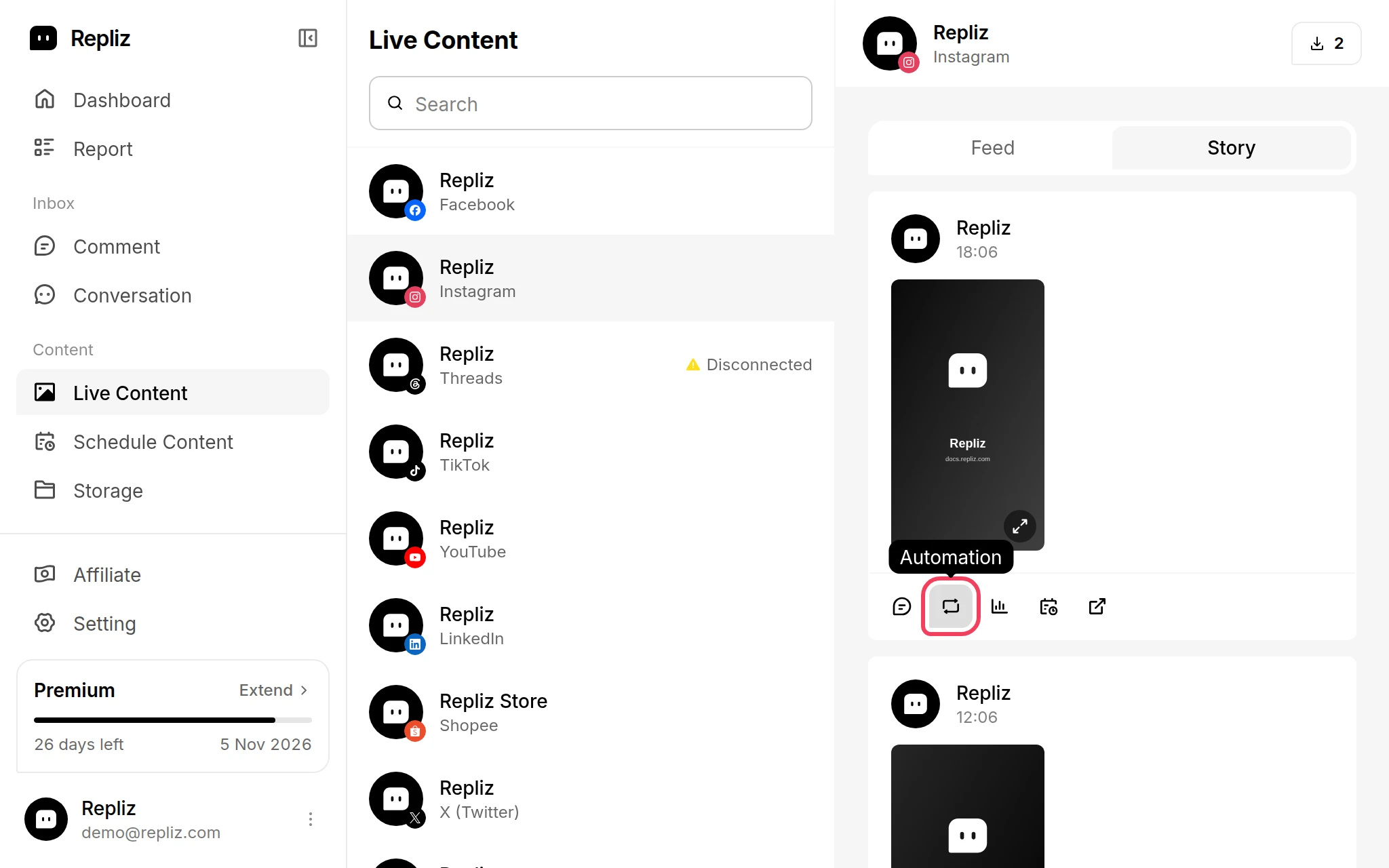
  1. Open Live Content and choose the Instagram account.
  2. Switch to the Story tab.
  3. Click Automation on the story.
  4. Choose a mode and fill in the message.
  5. Click Save.

Good to know

  • Reply Story responds to replies to your Story that people send by DM. Story mentions and reactions without a message don't trigger it.
  • Every message is logged in Report, and the conversation appears in Conversation.
For developers

In the API, this automation is the story object. See Automation Configuration.