English
English
Appearance
Connect Repliz to ChatGPT at chatgpt.com and manage Repliz from the chat in plain language: ask ChatGPT to list the comments waiting for a reply, answer them, schedule a post, or check an account's stats.
Using Codex?
This page is for chats on chatgpt.com. For Codex, in the ChatGPT desktop app, the CLI, or your code editor, see Codex.
The ChatGPT pictures are illustrations
The pictures of ChatGPT on this page are drawn from OpenAI's own guide, with ChatGPT in English. The screens may look a little different on your account, so look for the same labels even if they sit elsewhere.
Open Settings → Public API in the Repliz dashboard and copy the Access key and the Secret key. You'll paste them into the Repliz sign-in page in step 3.
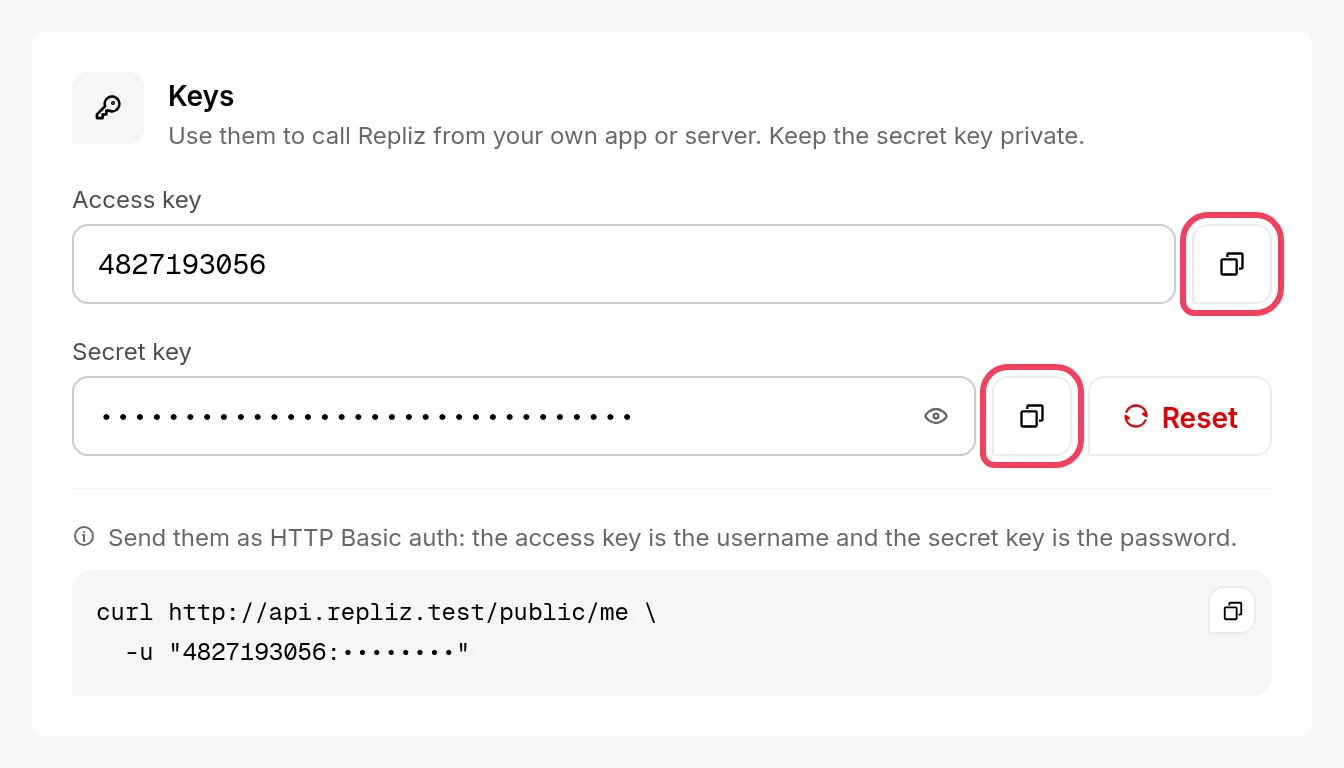
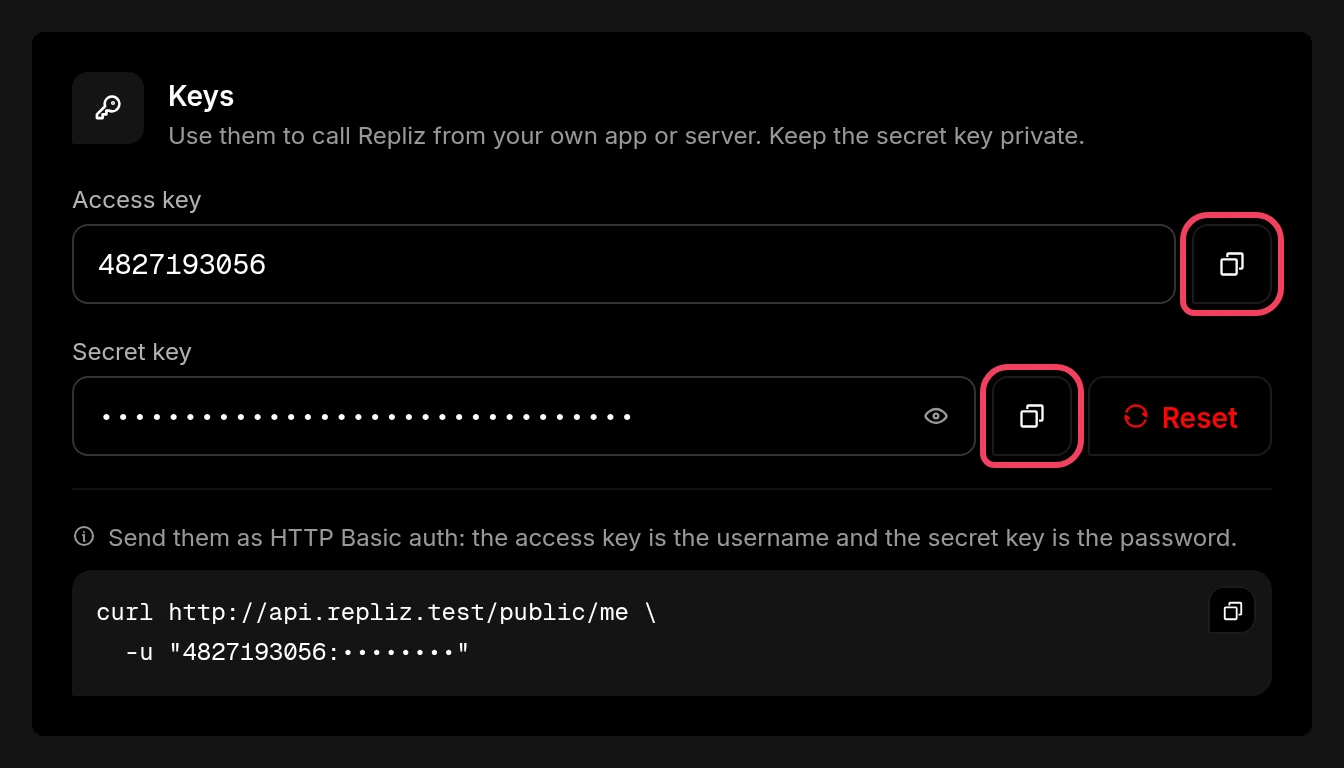
Keep the keys private
Anyone with both keys can act on your Repliz workspace. Don't share them or paste them anywhere other than the Repliz sign-in page.
Open ChatGPT Plugins, click the + button, and choose Add custom MCP server.
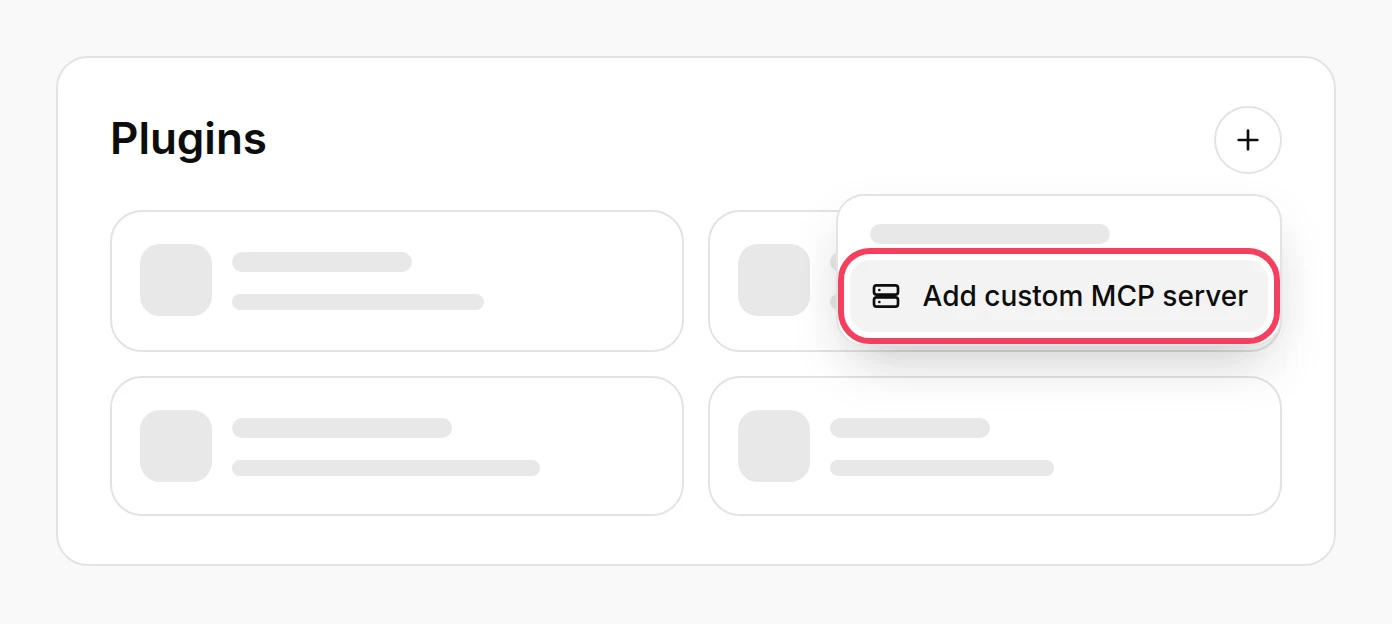
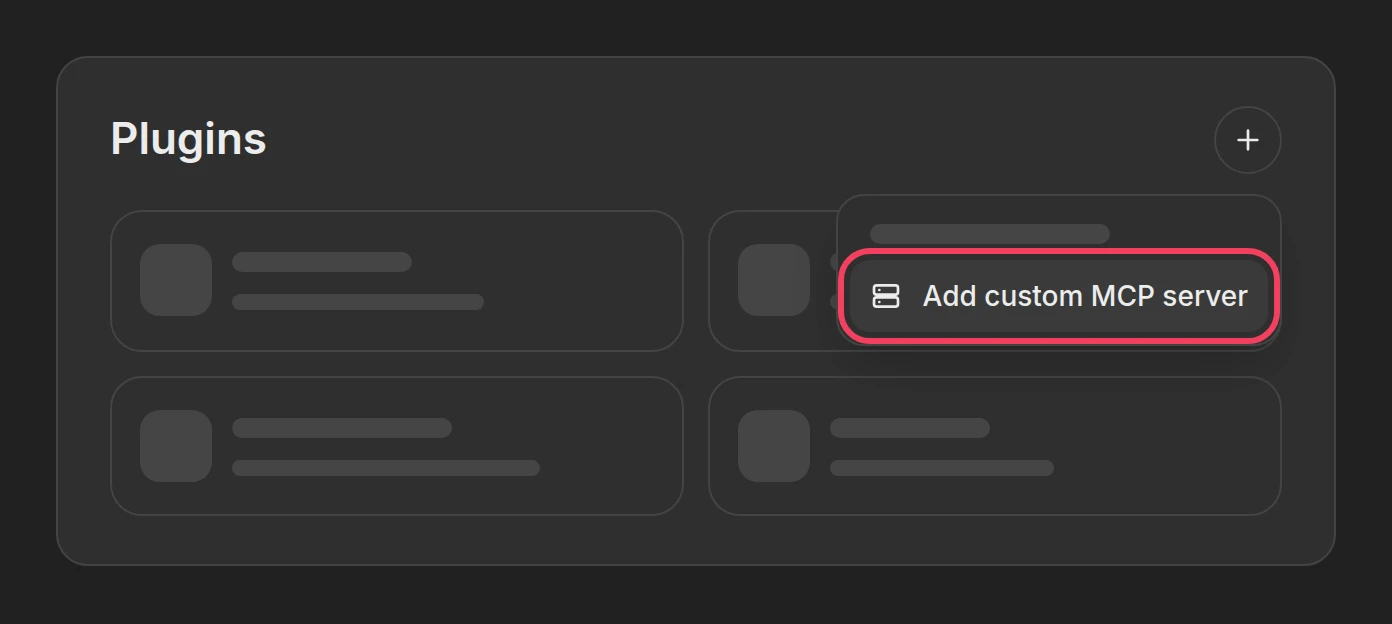
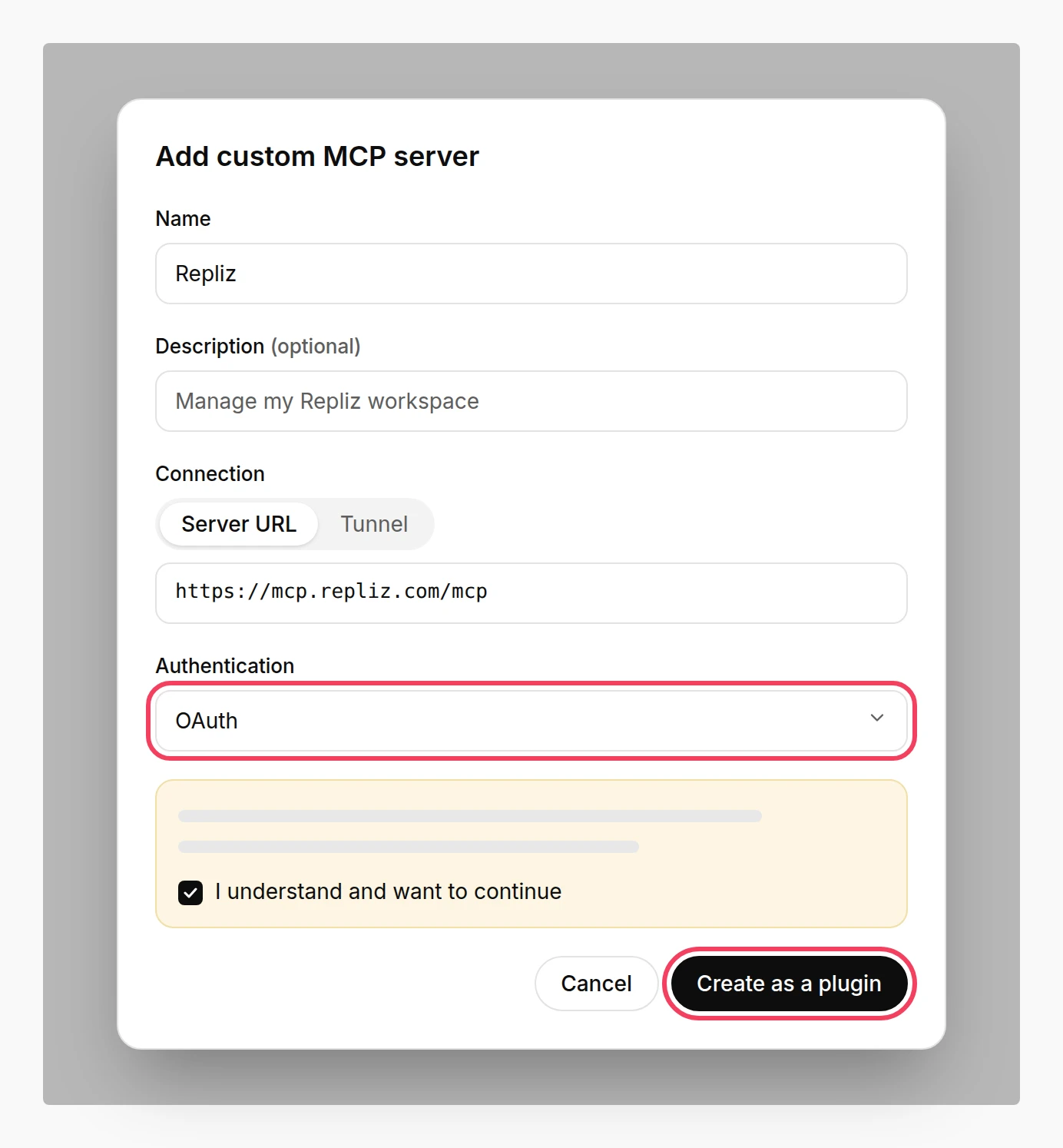
Fill in the form:
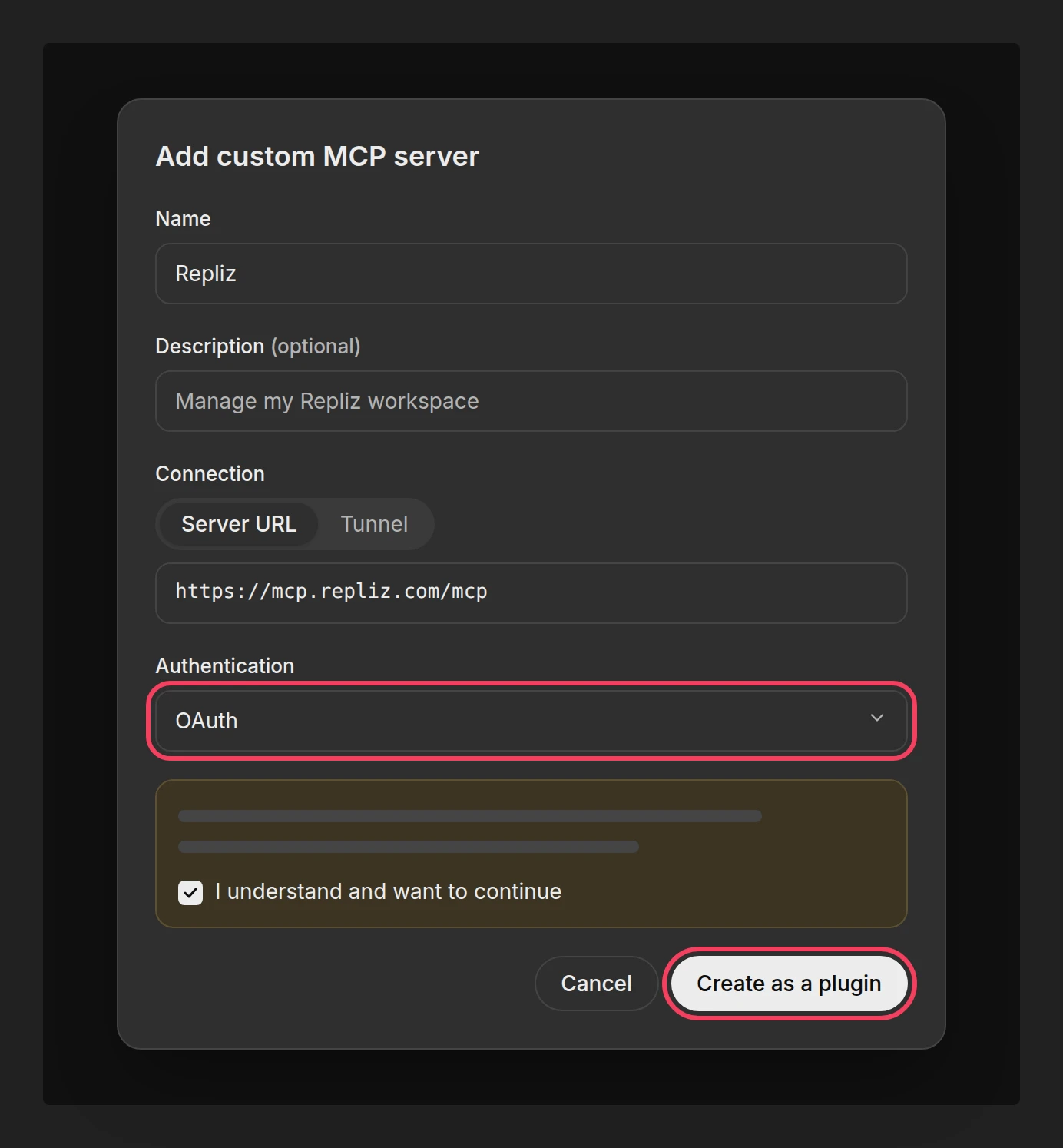
Replizhttps://mcp.repliz.com/mcp.Read the warning, select I understand and want to continue, and click Create as a plugin.
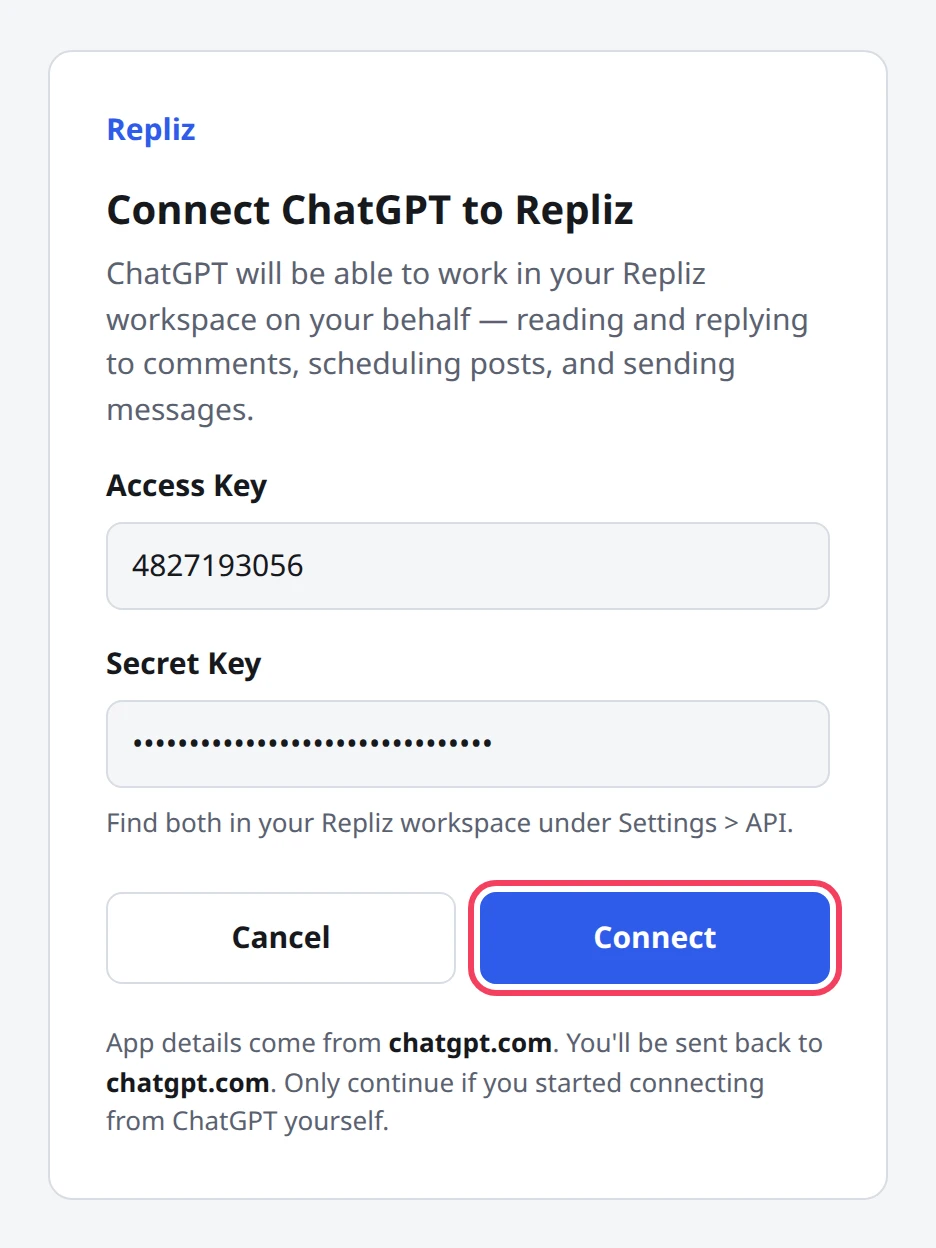
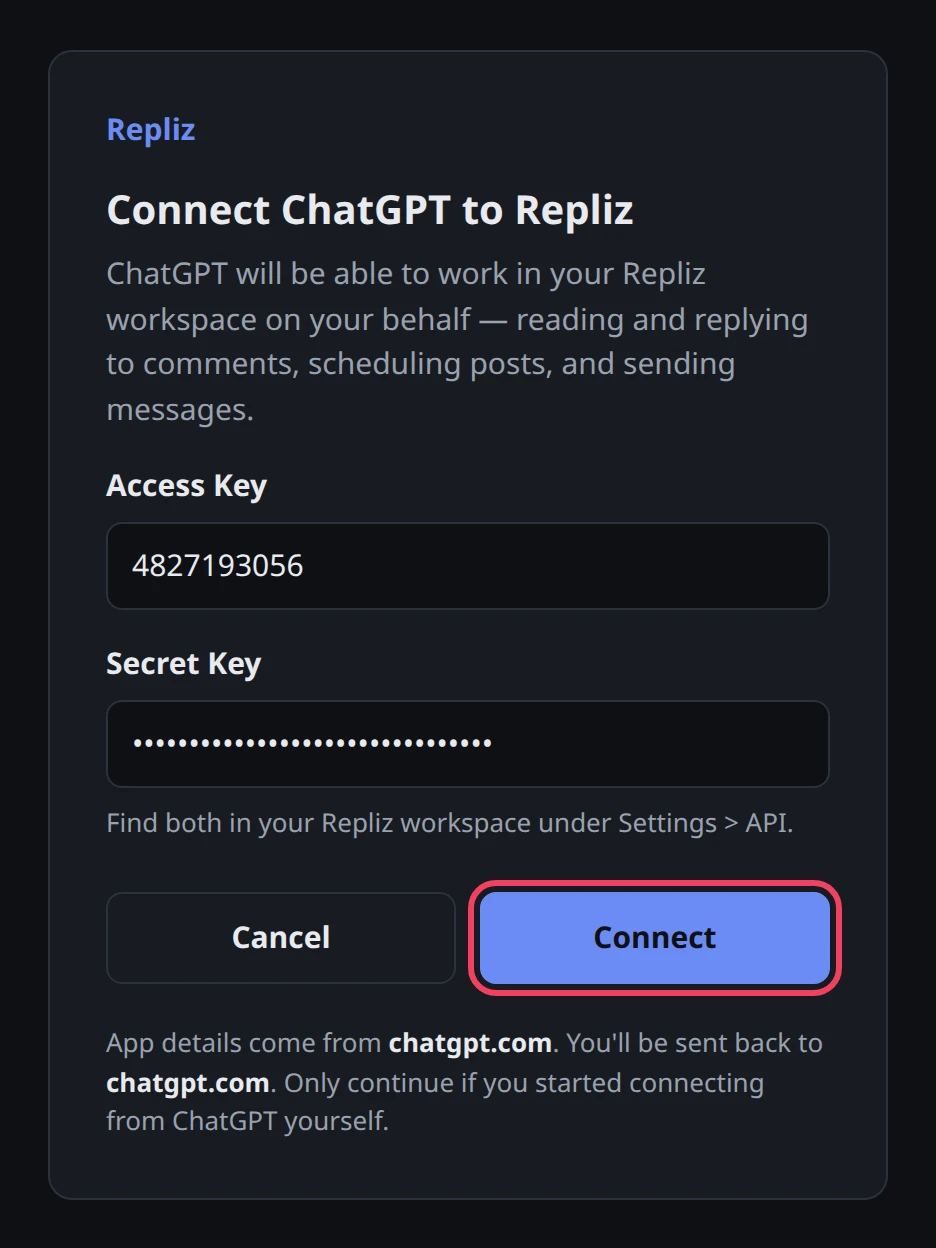
ChatGPT opens the Repliz sign-in page. Paste your Access Key and Secret Key, and click Connect.
Repliz sends you back to ChatGPT, which shows the tools it found. Review them, then install the plugin.
If the sign-in page doesn't open right away, ChatGPT opens it the first time you use Repliz in a chat.
The sign-in page says where it will send you back. For ChatGPT it is chatgpt.com; if it names any other address, click Cancel.
Start a new chat, type @ in the message box, and choose Repliz.
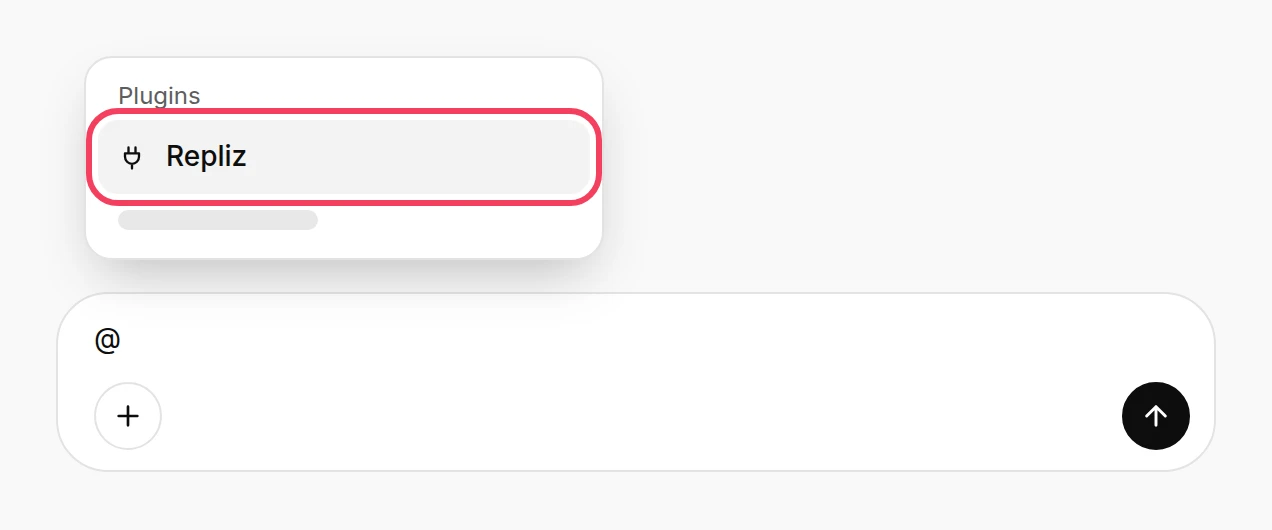
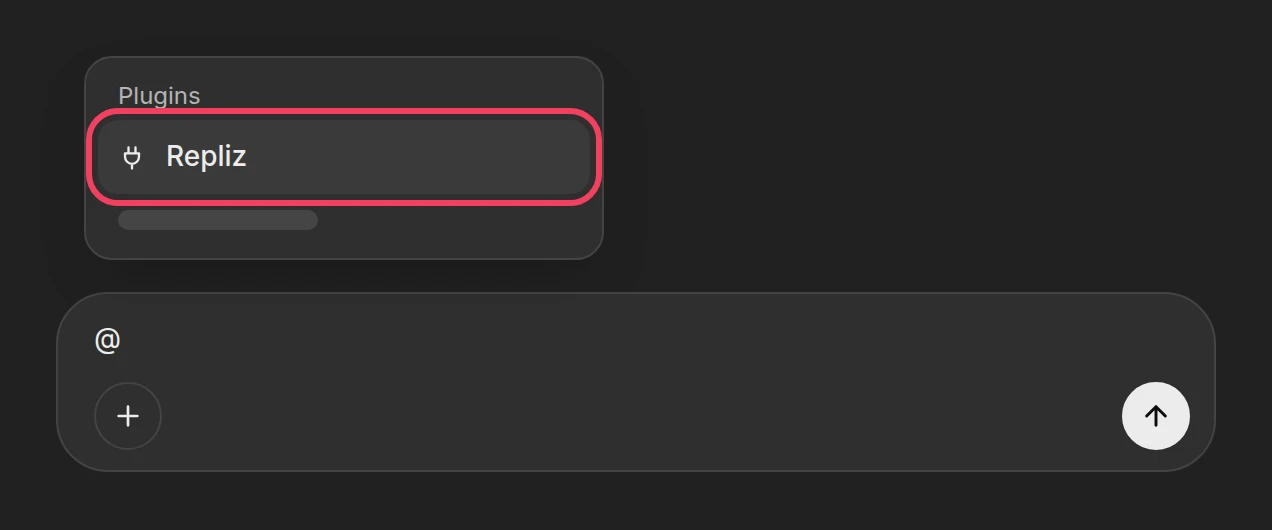
Ask something, for example "Show my connected Repliz accounts."
Tools that only read, such as listing your accounts, run right away. Before a tool that changes something, such as a reply, a DM, a scheduled post, or a deletion, ChatGPT asks you to confirm. Check what it will send, then approve. You can let ChatGPT remember your choice for the rest of the chat; a new chat asks again.
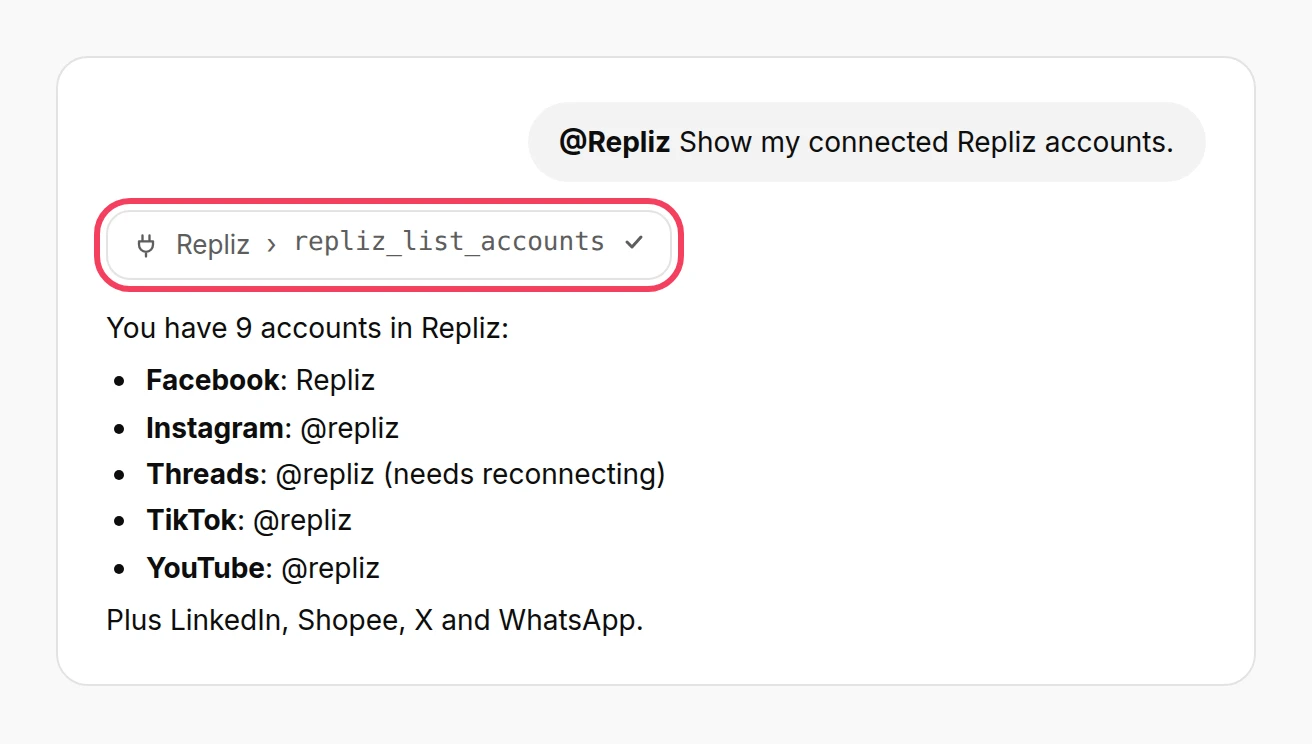
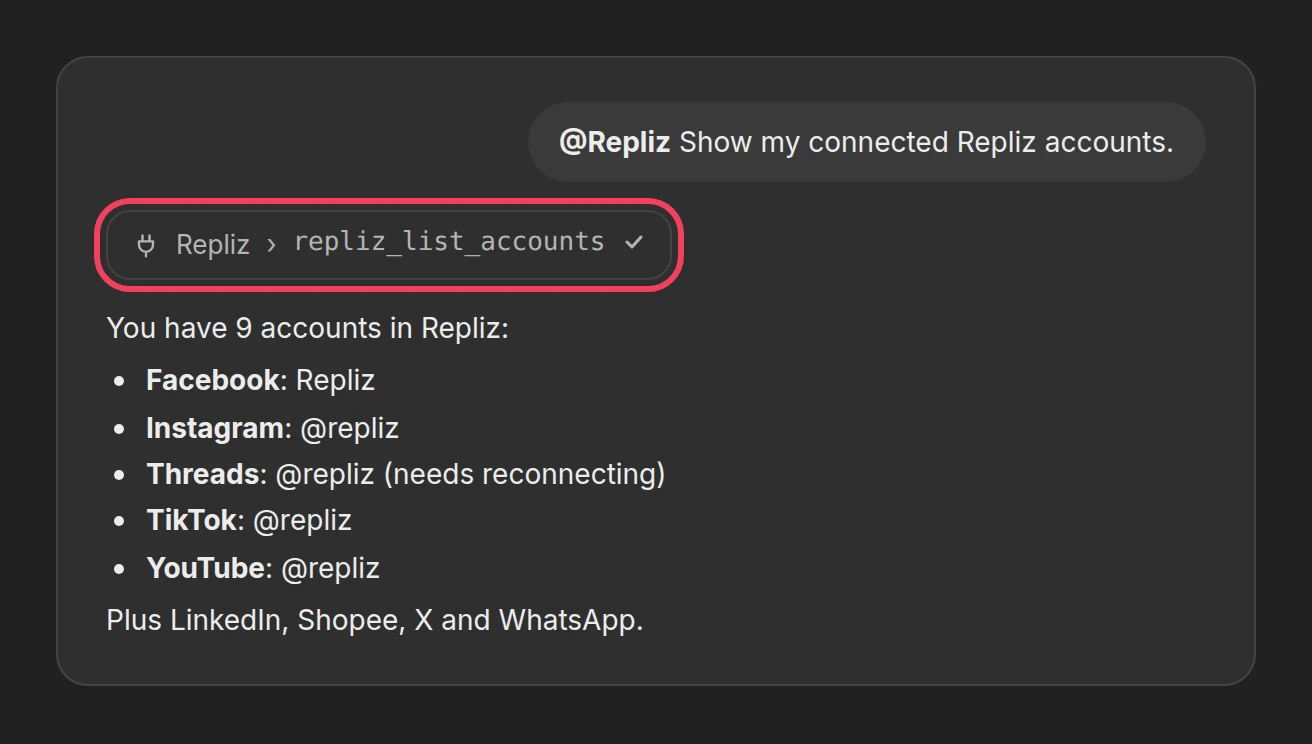
For more ideas, see the usage examples.
Some Repliz tools change things: they reply to comments, send DMs, schedule posts, and delete. Open Repliz's details page in ChatGPT's app settings to turn off the tools you don't need, such as repliz_delete_account or repliz_delete_content.
Comments and messages from strangers can carry instructions aimed at ChatGPT, so read what it proposes before you approve a reply, a DM, or a deletion.
There is no Add custom MCP server. Your plan or your workspace doesn't allow custom MCP servers yet. In a Business, Enterprise, or Edu workspace, ask your admin. Until then, you can use Repliz from Codex or Claude.
The sign-in page says Repliz didn't accept the keys. Copy both keys again from Settings → Public API. If the Secret Key was reset, only the new one works.
The sign-in page says the link has expired. The page stays valid for 15 minutes. Go back to ChatGPT and start connecting again.
ChatGPT says it can't set up OAuth for the server. Remove the plugin and add it again. If ChatGPT lets you choose how it registers, try the other option: Repliz supports both Client ID Metadata Documents (CIMD) and Dynamic Client Registration (DCR).
ChatGPT asks you to sign in to Repliz again. This happens after the Secret Key is reset, or when Repliz hasn't been used for 30 days. Sign in again with your current keys.
New Repliz tools don't show up. Select Refresh on Repliz in ChatGPT Plugins, then start a new chat.
ChatGPT says a tool isn't on your plan. The tools follow your Repliz plan. See Available tools for which plan each group needs.